GTA 6 Performance Mode or Quality Mode: What to Choose on PS5, PS5 Pro and Xbox
GTA 6 has no performance mode and no quality mode on any console: every version targets 30 FPS. Here is what each console really delivers and the settings still worth changing.
You open the settings, look for the GTA 6 performance mode, and it is not there. That is not a menu you missed: Grand Theft Auto VI has no Performance or Quality toggle on PS5, PS5 Pro, Xbox Series X or Xbox Series S. Every console runs one fixed preset that targets 30 frames per second. So the real question is no longer "which mode should I pick", but "what can I still change to make the game look and feel better on my machine". Here is the answer, console by console, based on what Rockstar has confirmed and what Digital Foundry measured on the released game.
The essentials
- No mode to choose: GTA 6 has no Performance or Quality mode on any console. Rockstar says the game is "targeting 30 frames per second" everywhere.
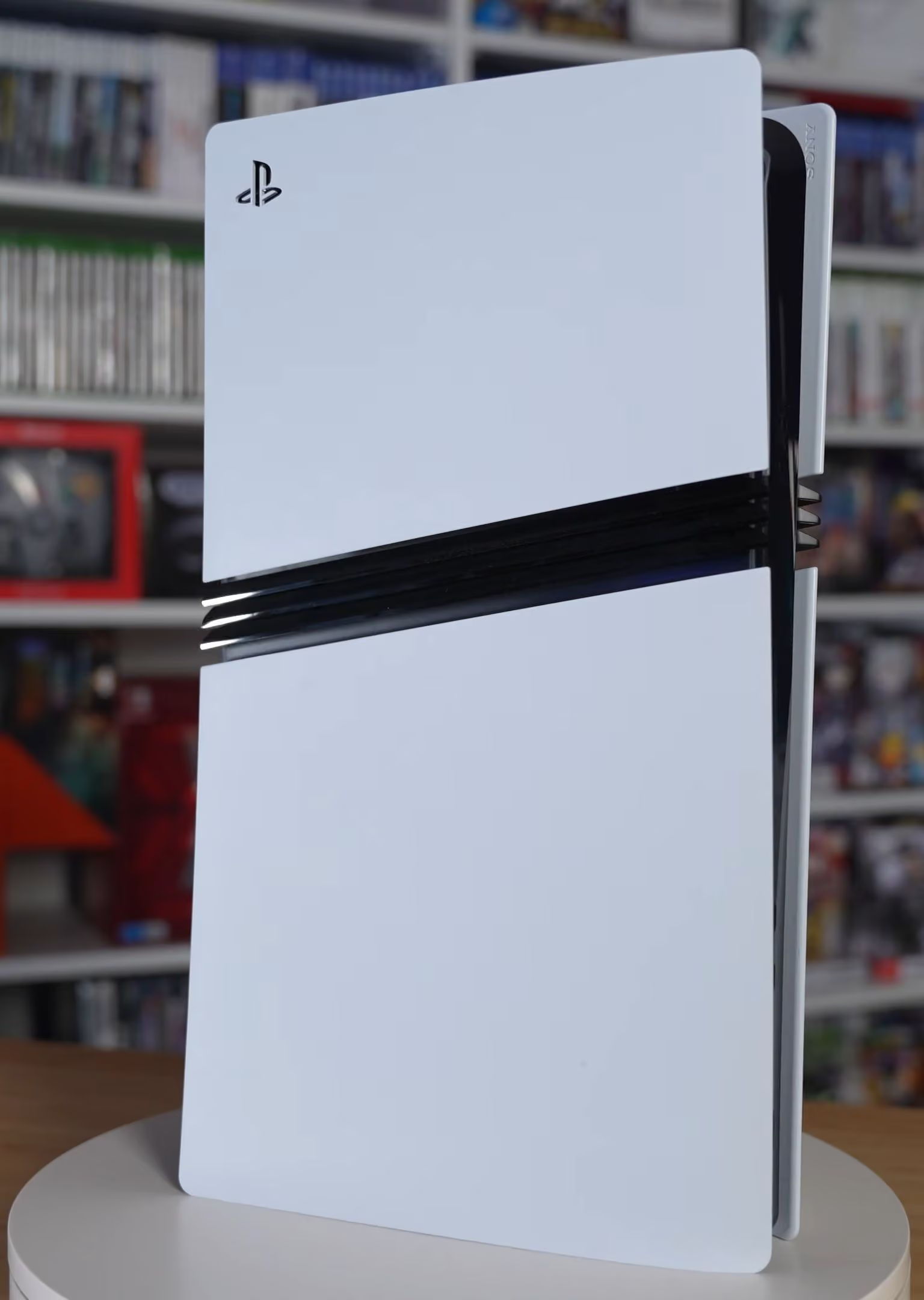
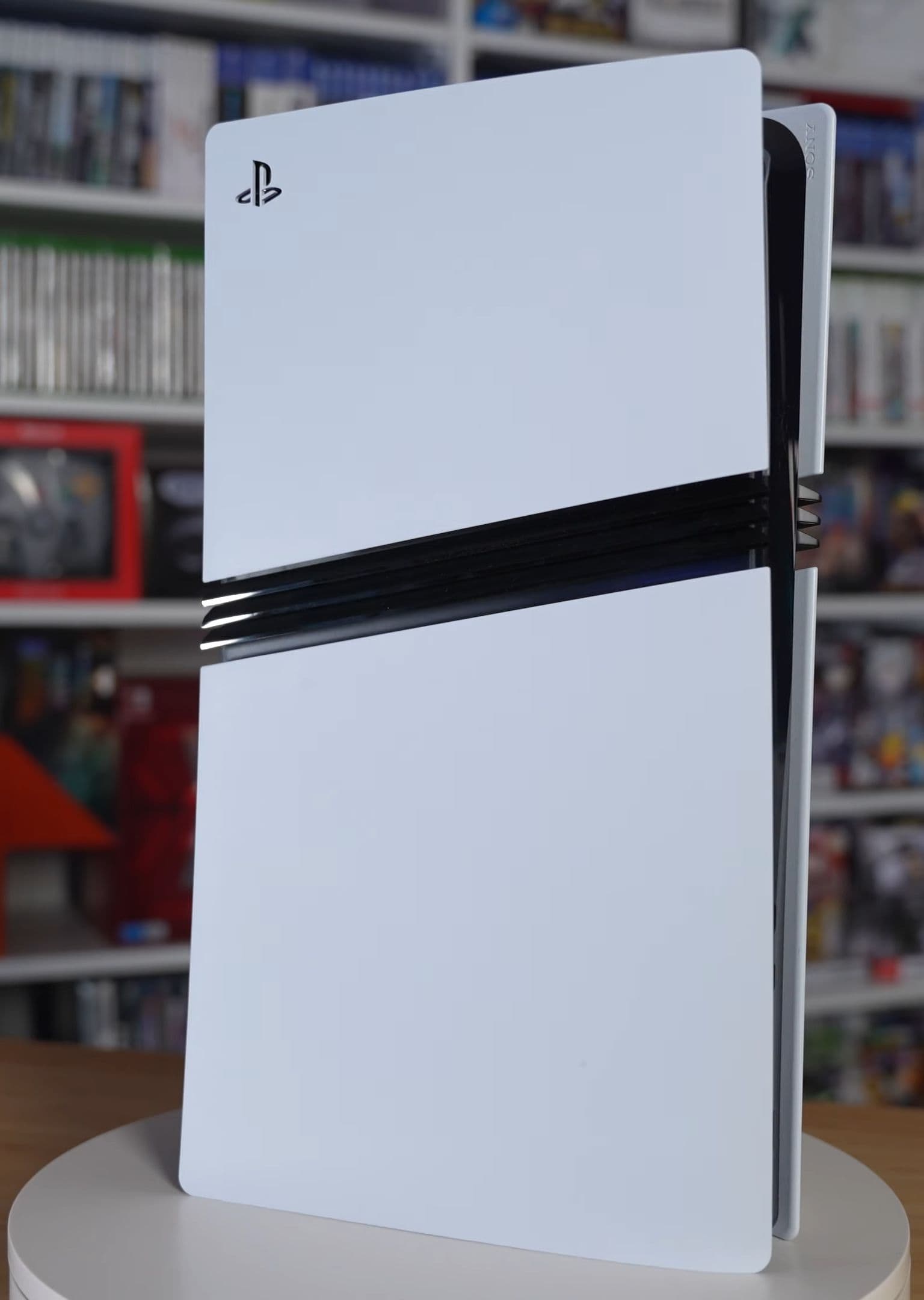
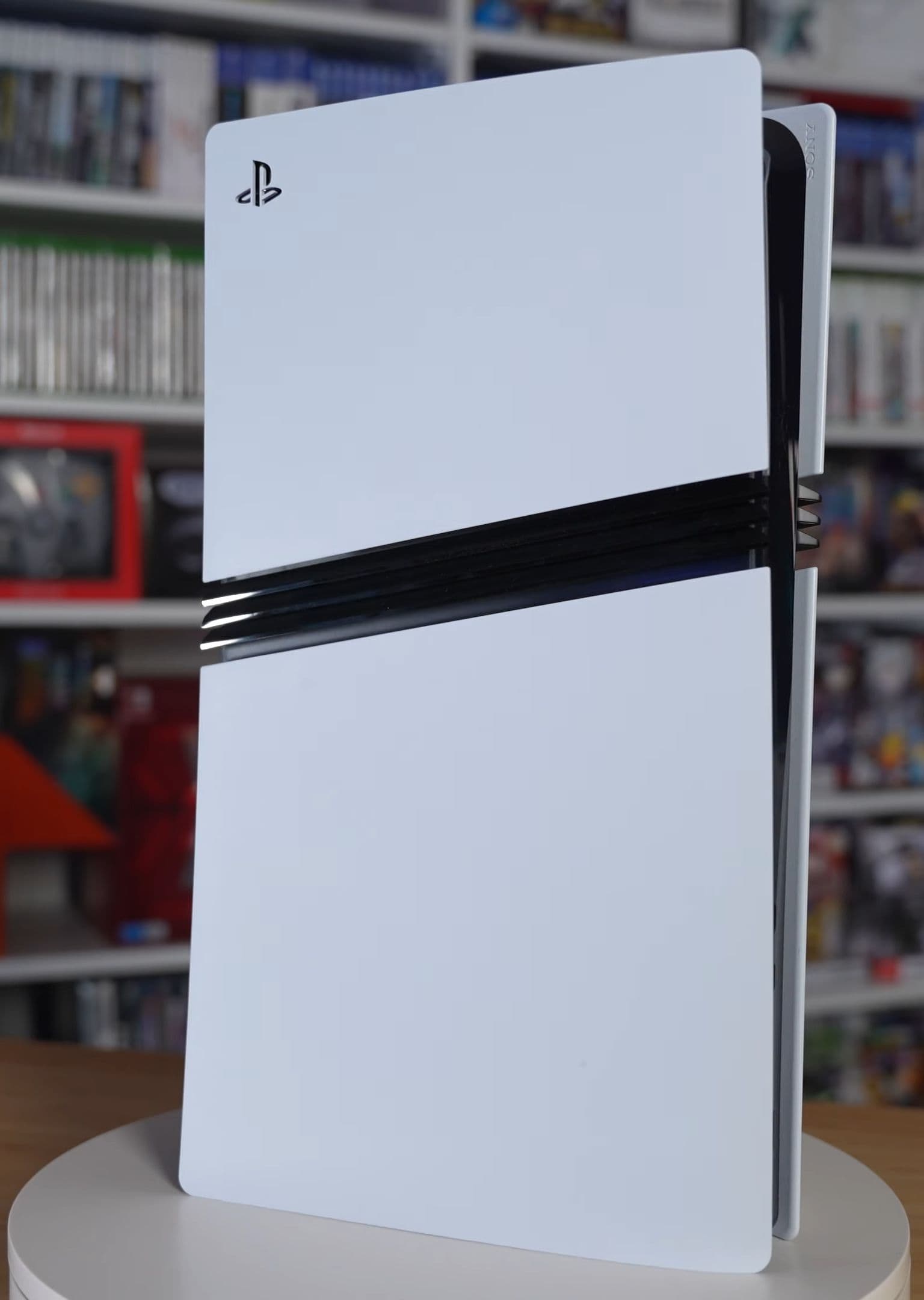
- PS5 Pro: same 30 FPS target, but a sharper image through PSSR upscaling and ray-traced shadows that no other console gets. It is the steadiest version.
- PS5 and Xbox Series X: both render around 1440p internally and upscale to 4K, mostly holding 30 FPS with dips in the heaviest action.
- Xbox Series S: about 720p internally, upscaled to roughly 1080p, and the least stable frame rate of the four.
- What you can still tune: motion blur, HDR, your console's video output and VRR, and your TV's game mode. None of them raises the frame rate, but they change how 30 FPS feels.
Is there a performance mode in GTA 6?
No. Rockstar settled it before launch, in the November 10 Newswire post that opened pre-loads: the game "has been fully developed from the ground up" while "targeting 30 frames per second", pushing the consoles "to their absolute limits while maintaining the density and visual fidelity of all its environments and inhabitants." We covered the statement in detail in our article on the PS5 Pro, PSSR and ray-traced shadows.
The released game confirms it. Digital Foundry's console analysis, reported on November 18 and 19 by AltChar and GTA Boom, found a 30 FPS target on every version with no 60 FPS option anywhere. The Display menu offers image settings, not a frame rate or resolution selector.
That puts an end to months of speculation. Before launch, several reports described a 30 FPS Quality Mode and a 60 FPS Performance Mode; we summed those up in GTA 6 at 30 FPS or 60 FPS? What the rumors said. The two-mode setup never shipped.
Why Rockstar locked everything at 30 FPS
The bottleneck is the processor. GTA 6 simulates a dense city at all times: traffic, crowds, physics, weather and pedestrian behavior. Lowering the resolution frees up the graphics chip, but the simulation still has to run every frame. Doubling the frame rate would mean simulating the city twice as fast, and the CPU in these consoles cannot do that without cutting density. Rockstar chose density.
The same logic explains the PS5 Pro. Its upgrade is mostly on the graphics side, with a CPU close to the base PS5's. So the extra power goes into clarity and shadows, not frames.
What each console actually delivers
The figures below come from Digital Foundry's analysis as reported by GTA Boom and AltChar. Rockstar itself has not published resolution figures.
| Console | Internal resolution | Upscaling | Frame rate in practice | Exclusive extras |
|---|---|---|---|---|
| PS5 Pro | About 1440p | PSSR to near-4K | Almost locked 30 FPS, brief dips to about 24 in extreme stress tests | Ray-traced shadows |
| PS5 | About 1440p | Rockstar's own temporal upscaling to 4K | Mostly 30 FPS, dips into the low-to-high 20s in heavy action | None |
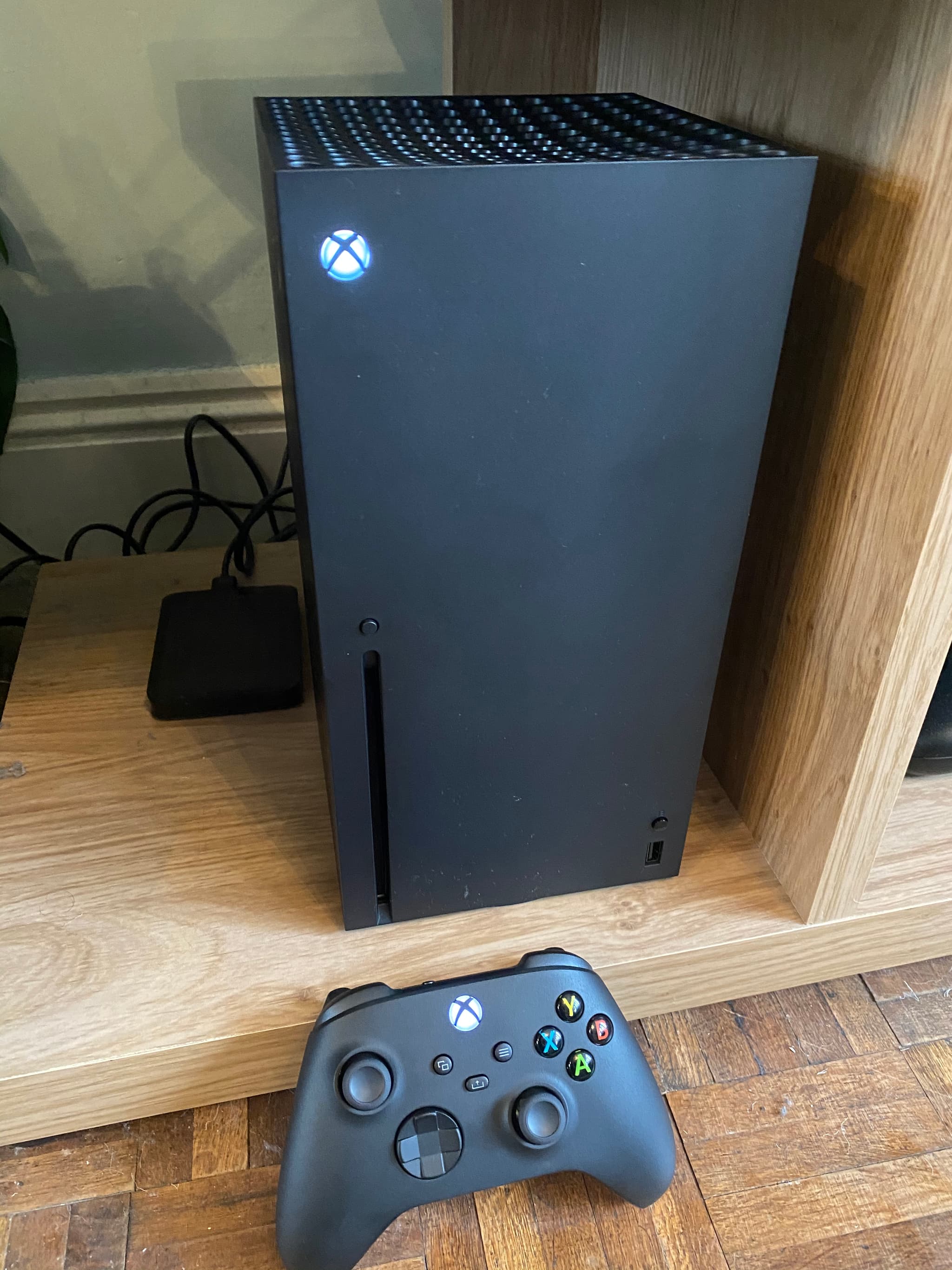
| Xbox Series X | About 1440p | Temporal upscaling to 4K | Mostly 30 FPS, dips to around 20-22 in the heaviest shootouts | 120 Hz output with VRR at system level |
| Xbox Series S | About 720p | FSR to roughly 1080p | Mid-to-upper 20s while driving, around 20 or lower in heavy action | None |
All four versions keep ray-traced global illumination and reflections. Only the PS5 Pro adds ray-traced shadows, which Digital Foundry says remove the blocky shadow edges visible on the base PS5.
PS5 Pro: the best version, not a different game
On PS5 Pro, the game holds its 30 FPS target almost perfectly in normal play. AltChar reports that Digital Foundry saw no dips in ordinary play over more than 50 hours, and only a short drop to about 24 FPS when the tester blew up a street full of cars with a grenade launcher. The PSSR image "convincingly passes for native 4K", in Digital Foundry's words.
There is nothing to switch on. PSSR and the ray-traced shadows are active by default, and the Pro version has no extra menu. If you were wondering whether to buy a Pro for GTA 6 alone, our PS5 or PS5 Pro comparison goes through the price-to-gain question.
PS5 and Xbox Series X: close to a tie
The base PS5 and the Series X land in the same place: about 1440p, upscaled to 4K, at a mostly stable 30 FPS. The base PS5 fell to 23 FPS in Digital Foundry's explosion test; the Series X dipped slightly lower in comparable shootouts. In everyday driving and exploring, you will not see much difference.
The Series X has one practical edge: Xbox can output at 120 Hz with variable refresh rate (VRR) at system level, which lets a compatible TV smooth out frame rate dips through low framerate compensation. On PS5, system VRR only kicks in above 48 FPS, so it does nothing for a 30 FPS game.
Xbox Series S: playable, with compromises
The Series S renders at around 720p and upscales to roughly 1080p. It keeps the ray-traced lighting and reflections, which is impressive for the hardware, but its frame rate often sits below 30. If you play on a Series S, the VRR setting below matters most. Our earlier Xbox Series S expectations piece explains why this console was always going to be the hardest target.
The settings you can actually change
There is no mode to pick, but there are still choices that change how the game looks and how its 30 FPS feels.
1. Motion blur: your main lever
Several settings guides published around launch, KeenGamer among them, report a Motion Blur strength slider in the Display tab. This is the closest thing GTA 6 has to a "feel" setting:
- Keep some blur (default or slightly lower) if camera pans at 30 FPS look choppy to you. Blur hides the gap between frames.
- Turn it down to 0 or 1 if you prefer a crisp image when you stop and look around, or if blur makes you uncomfortable.
It does not change the frame rate either way. It only changes how motion is drawn.
2. HDR: calibrate once, properly
If your TV supports HDR, calibrate it at the console level first (PS5: Settings, Screen and Video, Video Output, Adjust HDR; Xbox: Settings, General, TV and display options, Calibrate HDR for games), then use the in-game HDR sliders. A badly set HDR picture washes out the Leonida sunsets more than any resolution difference between consoles. Our first settings to change guide walks through HDR alongside subtitles, aim and camera.
3. Console video output and VRR
- PS5 and PS5 Pro: leave resolution and VRR on Automatic. VRR will not help at 30 FPS, but it does no harm.
- Xbox Series X and S: if your TV supports HDMI 2.1 and VRR, enable the 120 Hz refresh rate and variable refresh rate in TV and display options. This is the one console-side setting that measurably smooths GTA 6's dips.
4. Your TV: Game mode on, smoothing off
Put the TV in Game mode to cut input lag, which matters more at 30 FPS than at 60. Turn off motion smoothing features (TruMotion, Motionflow, Auto Motion Plus and similar): they add lag and artifacts in a fast camera pan. If you are still shopping, our guide to the best TV for GTA 6, HDMI 2.1 and VRR lists what to look for.
Will a 60 FPS patch come later?
Nothing official. Rockstar's statement mentioned no performance mode, at launch or later, and did not rule one out either. Some outlets have reported that a patch for higher frame rates would be in development; no such report has been confirmed by Rockstar or Take-Two, so treat it as unverified until the studio says something. Digital Foundry's view, before and after launch, is that a full 60 FPS on these consoles is unlikely because of the CPU limit.
If a mode is added, it will appear in the patch notes and on Rockstar Newswire. We will update this guide when that happens.
Our recommendation by console
- PS5 Pro: nothing to choose. Calibrate HDR, set motion blur to taste, play. You already have the best version.
- PS5: same advice. Do not expect VRR to help. If 30 FPS pans bother you, keep the default motion blur.
- Xbox Series X: enable 120 Hz and VRR if your TV supports them; it is the one real gain available. Then motion blur to taste.
- Xbox Series S: enable VRR if your TV has it, and keep some motion blur to soften the frame rate dips.
In short: GTA 6 has no performance mode and no quality mode. Every console plays the same 30 FPS game, and what separates them is image sharpness, shadows and how steady that 30 holds. The settings worth touching are the ones around the picture, not the frame rate.
Sources: Rockstar Newswire (November 10, 2026), as quoted by Video Games Chronicle and Kotaku; Digital Foundry's console analysis as reported by AltChar (November 18, 2026) and GTA Boom (November 19, 2026); post-launch settings guides from KeenGamer and Beebom.
Comments (0)
No comments yet. Be the first!