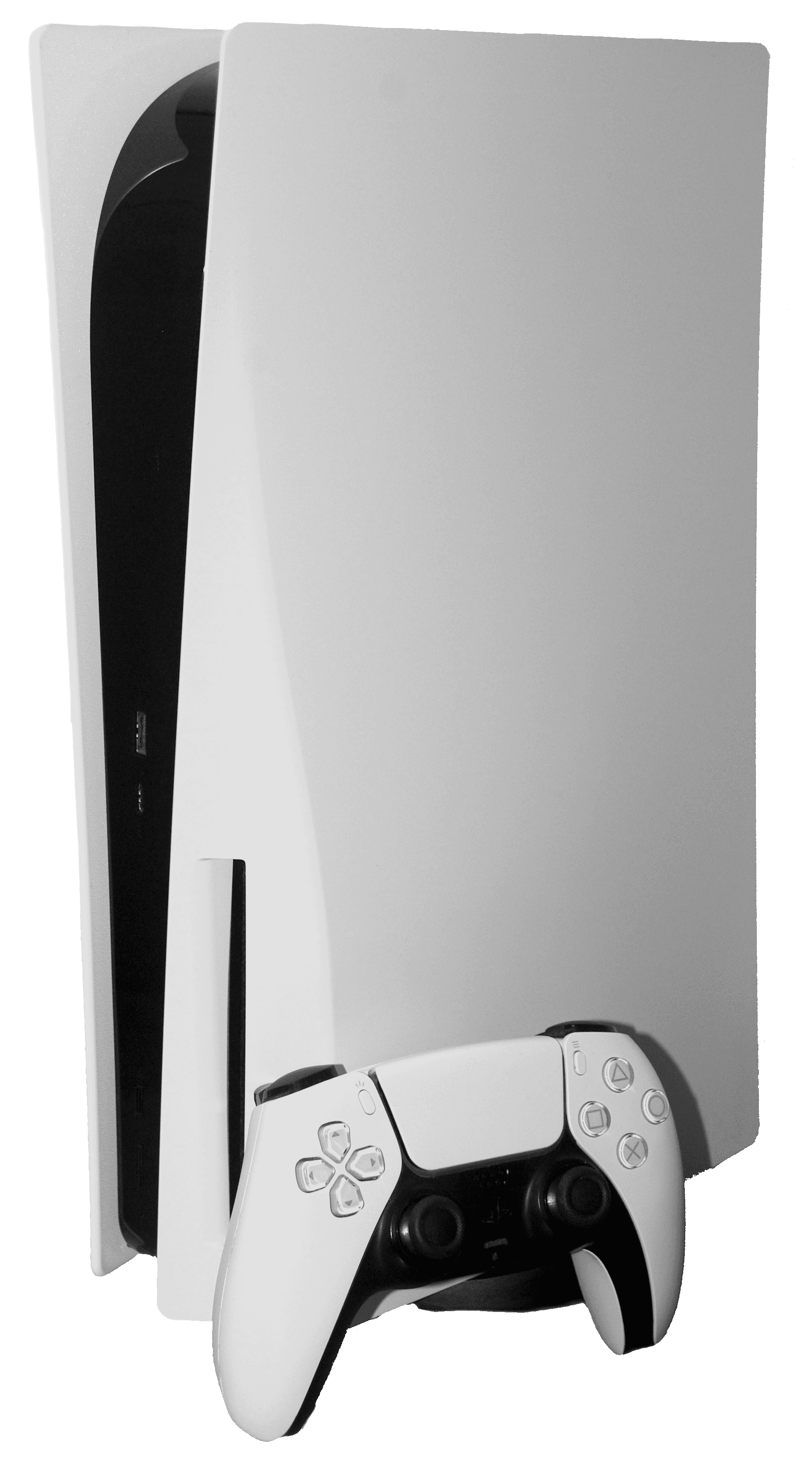
GTA 6 Crashing, Freezing or Black Screen on PS5 and Xbox: The Fixes That Work
GTA 6 closing to the home screen, freezing or stuck on a black screen? Here are the fixes to try in order on PS5 and Xbox Series X|S, from updates and Safe Mode to HDMI settings and overheating, without losing your save.
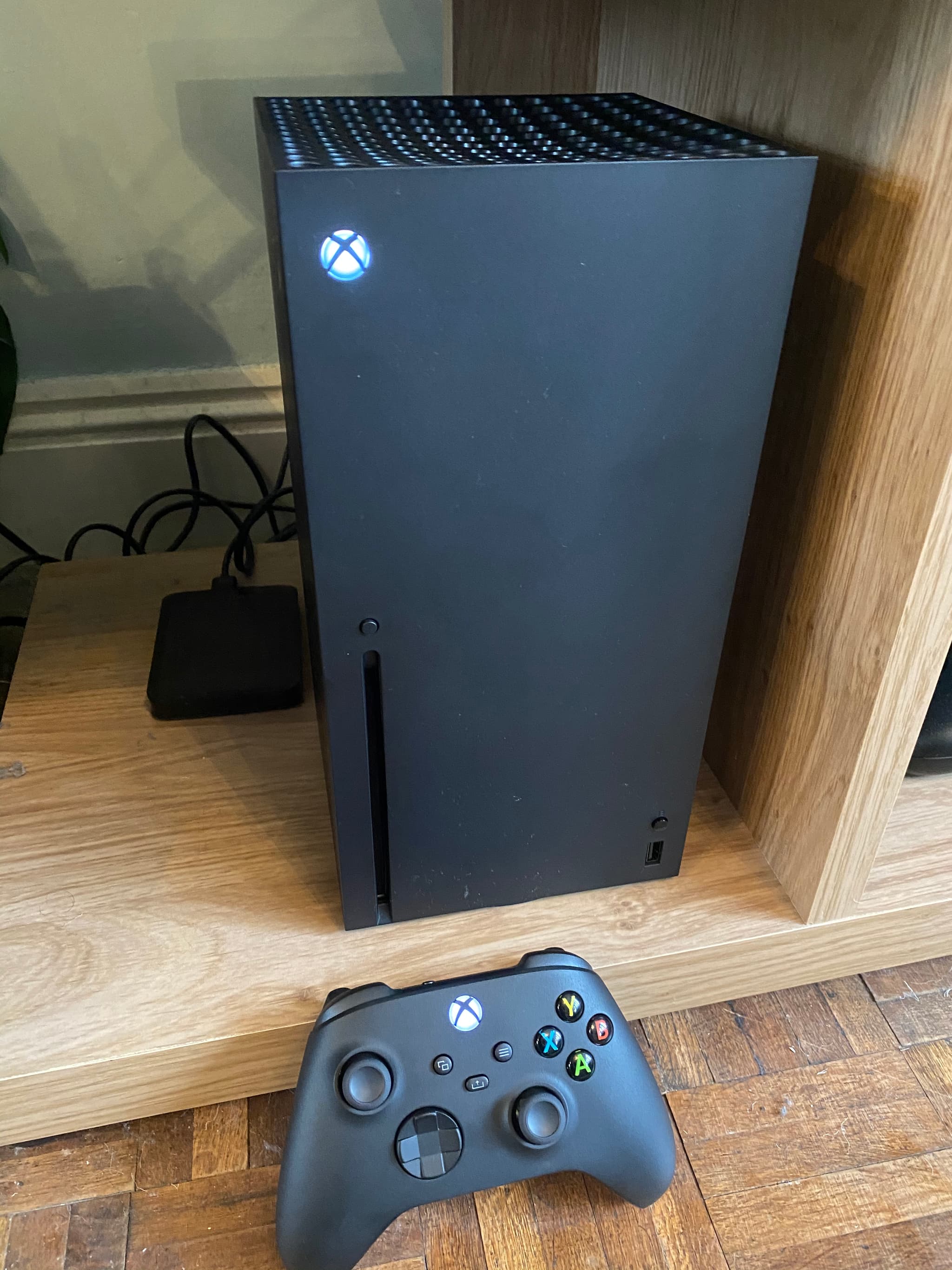
GTA 6 is out, and so are the first reports of the game freezing, closing to the home screen or leaving players on a black screen. Since the game unlocked in New Zealand on November 18, a handful of PS5 owners have also described the whole console switching off seconds after launch. Neither Rockstar nor Sony has confirmed a widespread bug at the time of writing, so most of what you can do right now is the classic console troubleshooting, applied in the right order. This guide walks you through it, from the 30-second fixes to the last resorts, without risking your save.
The essentials
- No confirmed widespread crash bug yet. As of November 19, Rockstar and Sony had not announced a known issue. Most reports are individual, and some early "crashes" were actually PlayStation Network sign-in errors.
- Update everything first. GTA 6 requires a recent PS5 system update, and Rockstar may push game patches during launch week.
- Fully close the game, do not just go back to the home screen. A suspended game can carry a bad state into your next session.
- On PS5, Safe Mode's "Clear Cache and Rebuild Database" is the official fix Sony lists on its GTA VI support page. It does not delete games or saves.
- On Xbox, a full power cycle (hold the power button, unplug for a couple of minutes) clears the system cache.
- Black screen with sound is usually a display handshake problem (HDMI, HDR, VRR, 120 Hz), not the game itself.
- If the console turns off, think heat or hardware before blaming GTA 6.
First, figure out what kind of problem you have
"GTA 6 doesn't work" can mean very different things, and each has a different fix. Spend ten seconds identifying yours:
| What you see | Most likely cause | Jump to |
|---|---|---|
| Game closes to the home screen | Game or system cache, outdated version, corrupted install | Steps 1 to 4 |
| Image frozen, sound looping, controller unresponsive | Game freeze, sometimes heat | Steps 1, 2, 5 |
| Black screen but you hear the game | HDMI, HDR or video output settings | Black screen section |
| Black screen, no sound, at launch | Game still loading, licence or install issue | Steps 1 to 4 |
| The whole console switches off | Overheating or hardware | Console turns off section |
| Padlock icon, "can't start the game" | Licence or unlock time, not a crash | Our launch guide |
If your game shows a padlock or refuses to start at all, that is a licence or unlock-time problem rather than a crash: our guide on what to do if GTA 6 won't launch at midnight covers it.
Step 1: update the game and the console
This is the boring step, and it fixes more problems than any other.
On PS5:
- Highlight GTA 6 on the home screen, press Options, then Check for Update.
- Go to Settings > System > System Software > System Software Update and Settings and install anything pending.
- Check Downloads/Uploads in the control center to make sure nothing is still installing in the background.
GTA 6 will not run on an out-of-date PS5. We explain the required version and how to install it in our article on the PS5 system update GTA 6 needs.
On Xbox Series X|S:
- Press the Xbox button, go to Profile & system > Settings > System > Updates and install any console update.
- Open My games & apps > Manage > Updates and let GTA 6 finish updating.
Launch week is when studios ship their fastest fixes. If your crash happens at the same spot every time, a patch may simply not have reached your console yet.
Step 2: fully close GTA 6 and restart the console
Going back to the home screen does not quit the game: it stays suspended in memory.
- PS5: highlight GTA 6, press Options, choose Close Game. Then restart the console from the control center (Power > Restart PS5), not Rest Mode.
- Xbox: press the Xbox button, highlight GTA 6, press the Menu button, choose Quit. Then restart from Profile & system > Power > Restart console.
If you rely on Rest Mode or Quick Resume, try a few sessions without them. Resuming a huge open world from a suspended state is a classic source of freezes in big launches, and it costs you nothing to rule it out.
Step 3: clear the cache (Safe Mode on PS5, power cycle on Xbox)
On PS5, rebuild the database. This is the fix Sony itself lists on its Grand Theft Auto VI support page. It reorganises the console's content index and does not delete your games or saved data.
- Turn the PS5 completely off (not Rest Mode).
- Hold the power button and release it after the second beep (about seven seconds).
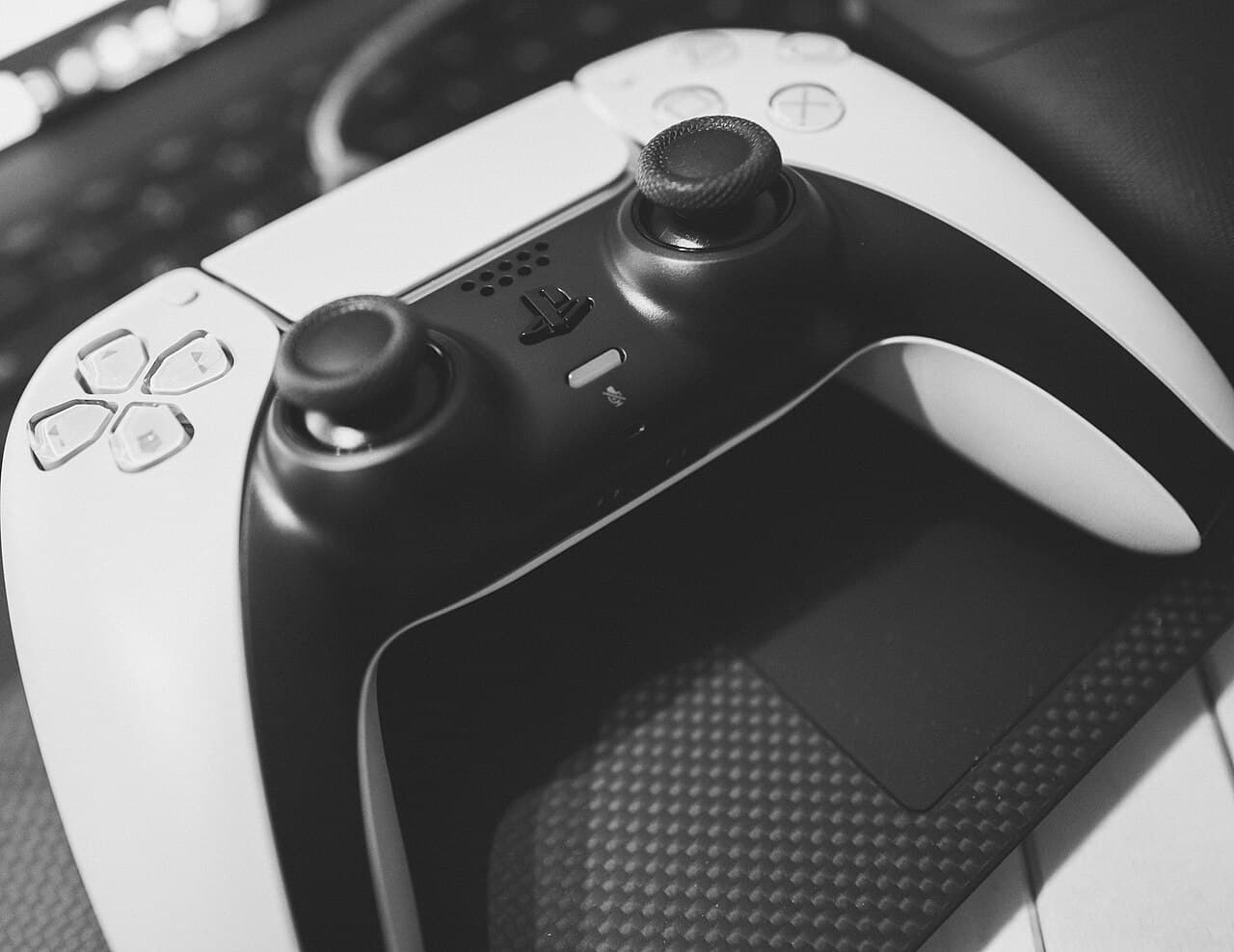
- Connect the controller with a USB cable and press the PS button.
- Choose Clear Cache and Rebuild Database, then Clear System Software Cache. Restart and test.
- If the problem persists, go back into Safe Mode and choose Rebuild Database this time. It can take a few minutes.
Never pick Reset PS5 or Reinstall System Software in that menu for a game crash: those options erase the console.
On Xbox, do a full power cycle. Hold the power button on the front of the console for about ten seconds until it turns off, unplug the power cable for two minutes, plug it back in and start the console. Your games and saves are untouched.
Step 4: check the install and where it lives
GTA 6 is a giant install: Rockstar asked for 212 GB of free space for the pre-load. A download interrupted at the wrong moment can leave a corrupted file that crashes the game at the same point every time.
- Storage location matters. On PS5 the game must run from the internal SSD or a compatible M.2 drive. On Xbox Series X|S, from the internal SSD or an official Storage Expansion Card. A regular USB drive can store the game but cannot run it. Our external hard drive and SSD guide explains what works.
- Keep some free space. A console with a nearly full drive has nowhere to put patches and temporary data. Leave headroom beyond the game itself.
- If the pre-load was problematic, the same root cause can show up now as a crash. Our article on a stuck or paused GTA 6 pre-load covers download errors.
Reinstalling is the last resort of this step (see Step 7), because it means downloading the whole game again on launch day, when the networks are at their busiest.
Step 5: rule out overheating
GTA 6 is one of the most demanding games ever released on these consoles: Rockstar targets 30 frames per second on every console while pushing the hardware hard. More load means more heat, and heat causes freezes and shutdowns.
- Give the console several centimetres of clearance on every side, especially at the vents.
- Do not run it inside a closed cabinet or on a carpet.
- Dust the vents (power off and unplugged, a soft brush or a vacuum on the outside grilles only).
- If the console is vertical against a wall or horizontal under a TV, try another position for a session.
If the PS5 turns off and shows a warning about temperature on the next start, it is heat, full stop.
Black screen but you can hear the game
If music, dialogue or menu sounds keep playing while the screen is black, the game is running. The problem is the signal between the console and the TV. Try these one at a time:
- Switch TV input back and forth, or turn the TV off and on.
- Use the HDMI cable that came with the console, plugged into the TV's HDMI 2.1 port if it has one.
- Turn off HDR temporarily. PS5: Settings > Screen and Video > Video Output > HDR. Xbox: Settings > General > TV & display options > Video modes, untick HDR10.
- Turn off VRR and 120 Hz output in the same menus. GTA 6 runs at 30 fps anyway, so you lose nothing by testing without them.
- Lower the resolution to 1080p for a test, then go back up.
If the image comes back with one of these off, you have found your culprit. Some TVs need a firmware update to handle certain signal combinations: check your TV maker's support page.
The console turns off by itself
A console switching off is not a game bug: GTA 6 cannot turn your hardware off. It is the console protecting itself.
- Heat first: go through Step 5 and let the console cool completely before trying again.
- Power: plug the console straight into a wall socket rather than a crowded power strip.
- Test another demanding game. If it shuts off too, it is a hardware issue.
For a PS5 that keeps shutting down, Sony's PlayStation Repairs page (playstation.com/repairs) has a diagnostic for "PS5 console turns off while playing" and checks if you are still under warranty. On Xbox, use the Device support section of your Microsoft account.
Step 6: the crash always happens at the same moment
If GTA 6 always freezes during the same mission, cutscene or area, it is probably tied to your save or to a specific bug.
- Load an older save if you have one, without overwriting the newest one.
- Make sure your saves are backed up. PS5: Settings > Saved Data and Game/App Settings (cloud backup requires PlayStation Plus). Xbox: saves sync to the cloud automatically when you are online.
- Report it to Rockstar Support with your platform, the place and what you were doing. A reproducible crash reported by many players is exactly what launch-week patches fix.
Step 7: last resort, reinstall
If nothing above helped and the game still crashes everywhere:
- Confirm your saves are in the cloud (Step 6).
- PS5: highlight GTA 6, Options > Delete, then reinstall from your Game Library. Xbox: My games & apps, highlight GTA 6, Menu > Uninstall, then reinstall from Full library.
- Let the download and any patch finish completely before starting the game.
Who to contact
The split is simple, and it saves you from being bounced between support teams:
- Crashes, bugs, missions, patches: Rockstar Support.
- Downloads, licences, account sign-in, refunds, codes: PlayStation Support or Xbox Support.
- Missing or unreadable code in a boxed copy: the retailer you bought it from.
- Console hardware: PlayStation Repairs or Xbox Device support.
Also check the PlayStation Network and Xbox status pages before tearing your console apart. During the New Zealand unlock, many "it's broken" reports were "services are busy" sign-in errors on PlayStation Network rather than crashes. Our article on whether GTA 6 servers can go down on launch night explains why.
A word of caution about "miracle fixes"
Every big launch brings videos promising "100% fixed" crashes. Be careful: anything asking you to download a file, install a tool on your console or enter account details is a scam. And changing your DNS does not fix a game that freezes locally. Official updates from Rockstar and the console makers are the only real fix for a genuine game bug. Until one is out, the steps above are what genuinely helps.
We will update this guide if Rockstar confirms a known issue or ships a patch that targets crashes.
Comments (0)
No comments yet. Be the first!