Get Your PS5 or Xbox Ready for GTA 6: A Pre-Launch Checklist
Launch day will be busy. Storage, pre-load, updates, subscriptions and your edition - sort these now and you will be playing on November 19 while everyone else is still downloading.

GTA 6 lands November 19, 2026 on PS5 and Xbox Series X|S, and a Rockstar launch is always a crush. A little prep now means you're playing while everyone else is still downloading. Here's everything worth sorting out before launch day.
Essentials:
- Free up at least 100-150 GB of storage now.
- Pre-load as soon as it goes live (usually a day or two before launch).
- Update your console firmware and controller the night before, not launch morning.
- Decide Standard vs Ultimate before pre-order week ends.
- Check whether GTA 6 is included with PS Plus or Game Pass (short answer: don't count on it).
1. Free up storage
Rockstar open worlds are big - expect the install to eat well over 100 GB once day-one patches land. Clear space ahead of time:
- Delete games you haven't touched in months (you can re-download anytime).
- Consider an expansion SSD if your internal drive is tight - a PS5 M.2 SSD or an Xbox Storage Expansion Card.
- If you're buying the physical edition, remember the box ships with a download code, not a disc - you still need the same free space as a digital buyer.
2. Pre-load when it goes live
Rockstar typically enables a pre-load a day or two before launch so the game is installed and ready at unlock. Pre-order digitally and you can pre-load the moment it opens - no launch-day download queue eating into your first hours in Leonida.
3. Update everything early
- Install the latest console system update.
- Update your controller firmware.
Doing this the night before avoids a surprise patch eating into your play time on the 19th.
4. Sort out your network
- If you can, use a wired connection for the initial download - it's faster and more reliable than Wi-Fi for a file this size.
- Schedule big downloads overnight so you wake up ready to play.
5. Decide your edition and console now
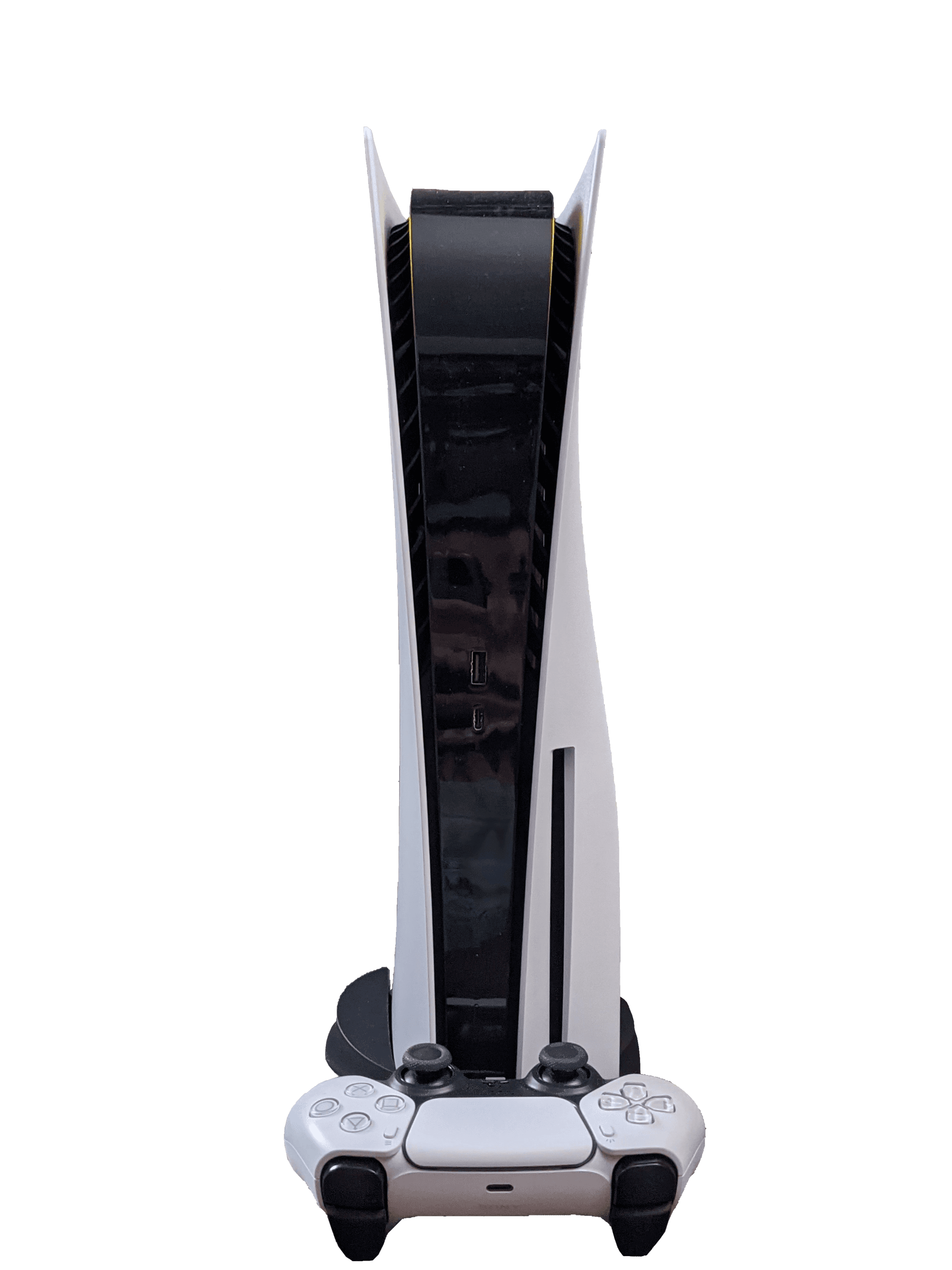
Pre-orders are open as of June 25. The Standard ($79.99) and Ultimate ($99.99) editions both include the Vintage Vice City pre-order pack; only Ultimate adds the in-game Cheetah and Morgan revolvers. Still weighing hardware? See whether a PS5 or PS5 Pro makes more sense for how you plan to play. Decide before launch week so you're not rushing a purchase.
6. Check your subscriptions and payment details
Don't assume GTA 6 will be free with a subscription - Take-Two has not committed to a PS Plus or Game Pass launch slot, so budget for buying the game outright. While you're in your account settings, confirm your saved payment method is current and your PSN or Xbox Live subscription (needed for online play) hasn't lapsed.
7. Clear your calendar
Launch day traffic on Rockstar's servers will be heavy, especially for online modes. If you can, block out time in the days after November 19 rather than just the 19th itself - queues and hiccups are common in the first 48 hours of any major open-world launch.
Practical, no-nonsense prep - bookmark this and tick it off in November.
Comments (0)
No comments yet. Be the first!