GTA 6 GPS: How to Set a Waypoint Fast and Turn On Voice Directions
Hold Down on the d-pad and press R3 to set a GTA 6 GPS route without opening the map. Voice directions are off by default: here is the Audio setting that turns them on.
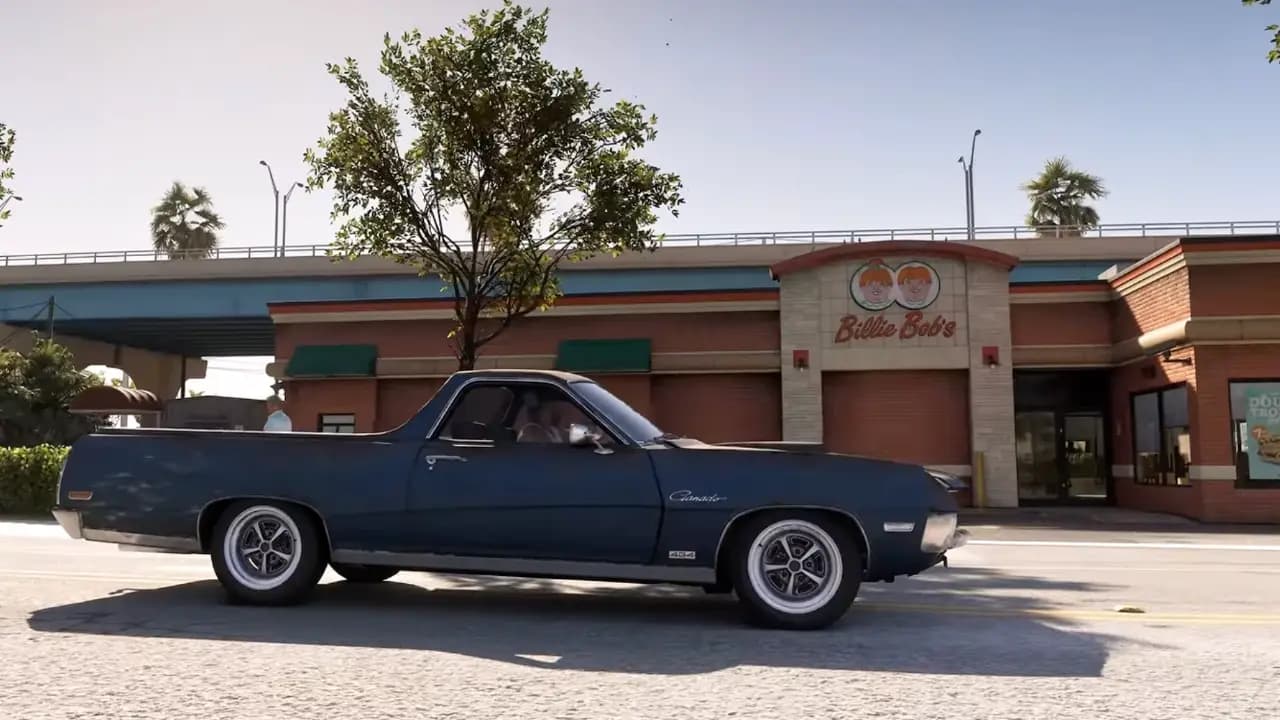
The fastest way to use the GTA 6 GPS is to skip the map entirely: hold Down on the d-pad, highlight a nearby place and press R3 (PS5) or RS (Xbox), and a route appears on your minimap. For anything further away, open the map, pick the spot and press Cross or A. Spoken directions are a separate matter: GPS Voice is off by default, and you switch it on in the Audio tab of the settings.
Quick waypoint: the d-pad shortcut
Holding Down on the d-pad brings nearby shops, gas stations, mission markers and other points of interest into view around you, and MP1st counts it among the controls many players miss. It is faster than opening the map, and ideal when you just need the closest gas station.
- Hold Down on the d-pad. Nearby locations are labeled on screen.
- Aim at the place you want with the camera.
- Press R3 (PS5) or RS (Xbox). The GPS route is set and the minimap shows the way.
A quick tap on Down does something else: it brings back the minimap and shows your cash and bank balance, as Push Square notes. Only the long press opens the waypoint view. If you switched to another button layout, check where the d-pad inputs went in our GTA 6 classic controls guide.
Set a waypoint from the map
For a destination outside your field of view, use the full map:
- Open the map with the touchpad (PS5) or the View button (Xbox), or go through the pause menu.
- Move the cursor onto the spot or icon you want.
- Press Cross (PS5) or A (Xbox) and choose Set Destination.
The map index is the quicker way to find a type of place. Open it, pick a category such as Vehicles for gas stations and mod shops, or the story list for your next mission, and press Cross or A on an entry to route there straight away. Mission objectives also set the route on their own.
GTA Viceguides adds two details: the same button turns into Remove Destination once a route is active, so you clear it from anywhere on the map, and Square (PS5) or X (Xbox) drops a plain marker that does not change your route.
Some apps set a waypoint for you too. In the phone's BuckMe app, the ATM Finder routes you to the nearest cash machine.
How to turn on GPS voice directions
By default the GPS is silent. GamingBolt lists it among the first settings to change for that reason. To turn it on:
- Pause the game and open Settings.
- Go to the Audio tab.
- Find GPS Voice in the setup section.
- Pick the style you want.
GTA6Map lists four values: On, Tones, Voice and Off. Voice gives spoken turn-by-turn directions, Tones gives short beeps before each turn, and TechWiser describes the third choice as a mix of both. Tones suits players who keep the radio loud and only want a cue.
Hear directions through the DualSense
On PS5, the Controller Speaker setting in the same Audio tab sends GPS directions, phone calls and the police radio to the DualSense speaker instead of the TV. GTA6Map notes that it does not work with headphones plugged in.
Make the route easier to follow on screen
The rest is in the UI tab, under navigation. The minimap starts in a Dynamic mode that fades when you do not need it, but an active route keeps it on screen. If you still lose track during chases, set the minimap to Always On. GPS Turn Indicators show the next turn and its distance above the minimap: keep them for your first hours, or turn them off for a cleaner screen once you rely on voice. Our guide to the best GTA 6 settings to change first covers the other UI options.
Let the GPS do the driving
A waypoint unlocks two shortcuts. With a route set, you can enter cinematic mode and let your character drive there: see how GTA 6 auto-drive works. An active waypoint is also what a RydeMe driver needs before you can skip the trip, explained in our GTA 6 fast travel guide.
FAQ
Why is there no voice on my GTA 6 GPS?
GPS Voice is set to Off when you first start the game. Open Settings, then Audio, and switch GPS Voice to Voice or On.
Can you set a waypoint without opening the map in GTA 6?
Yes. Hold Down on the d-pad, aim at a nearby place and press R3 or RS. It only works for locations you can see around you.
How do you remove a waypoint in GTA 6?
Open the map and press Cross or A again: the option reads Remove Destination while a route is active.
Does the GPS route show on the map in GTA 6?
Yes. The route is drawn on both the minimap and the full map, and it follows the road network.
Sources
- MP1st : GTA 6 "Hidden" Controls You Might Not Know About
- Push Square : GTA 6 Tips and Tricks You Need to Know
- GTA Viceguides : GTA 6 Map Controls, Waypoints, GPS and the Index Explained
- GamingBolt : GTA 6, 15 gameplay settings to change before your first mission
- GTA6Map : GTA 6 Audio Settings, Streamer Mode, GPS Voice and Volume
- TechWiser : GTA 6, How to Turn On Voice Navigation in GPS Settings
Comments (0)
No comments yet. Be the first!