GTA 6 Auto-Drive: How to Make Your Car Drive Itself on PS5 and Xbox
Set a waypoint, enter cinematic mode and hold Circle or B: here is how GTA 6 auto-drive works, how to control its speed and the setting that lets it leave the road.
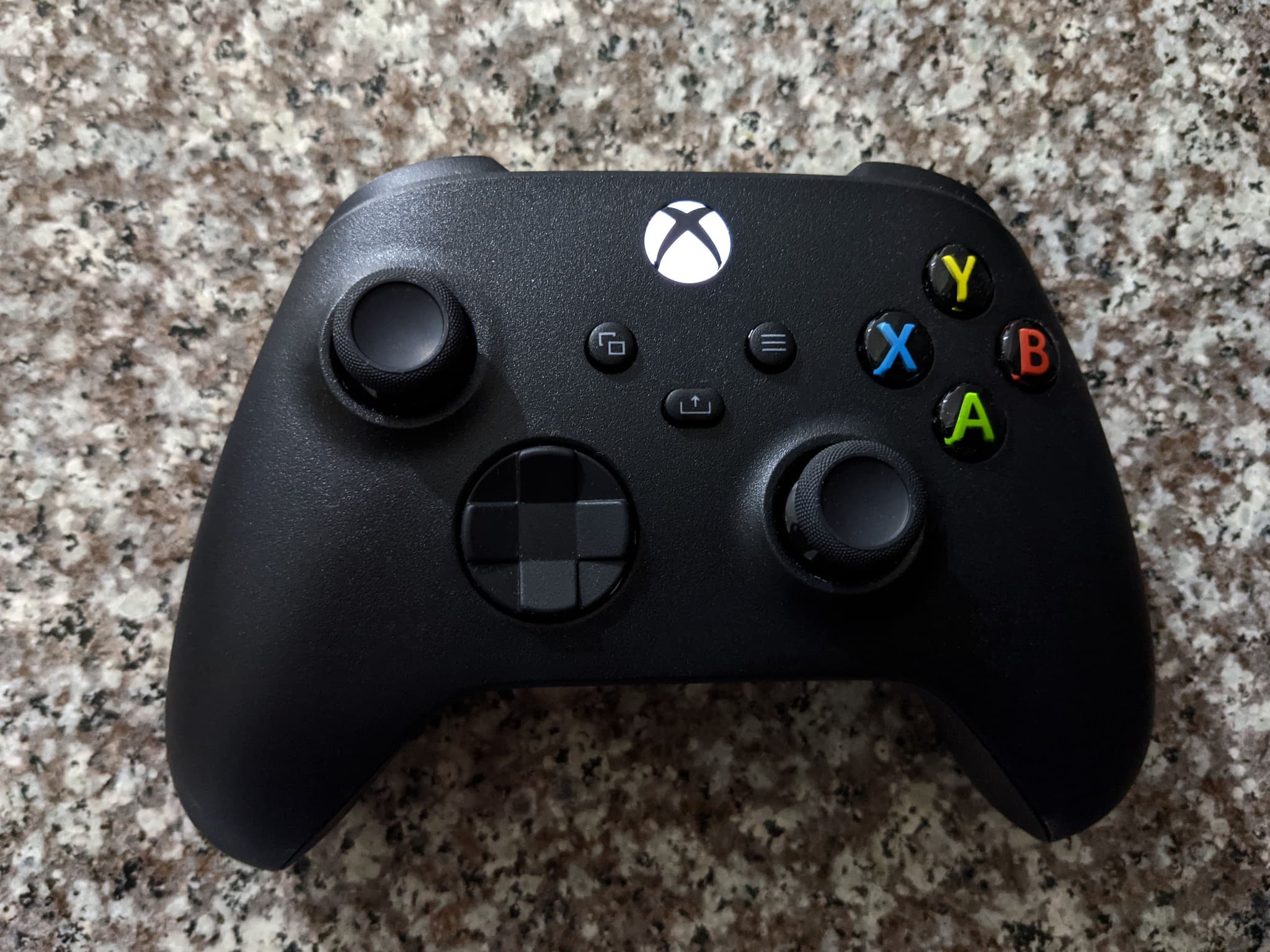
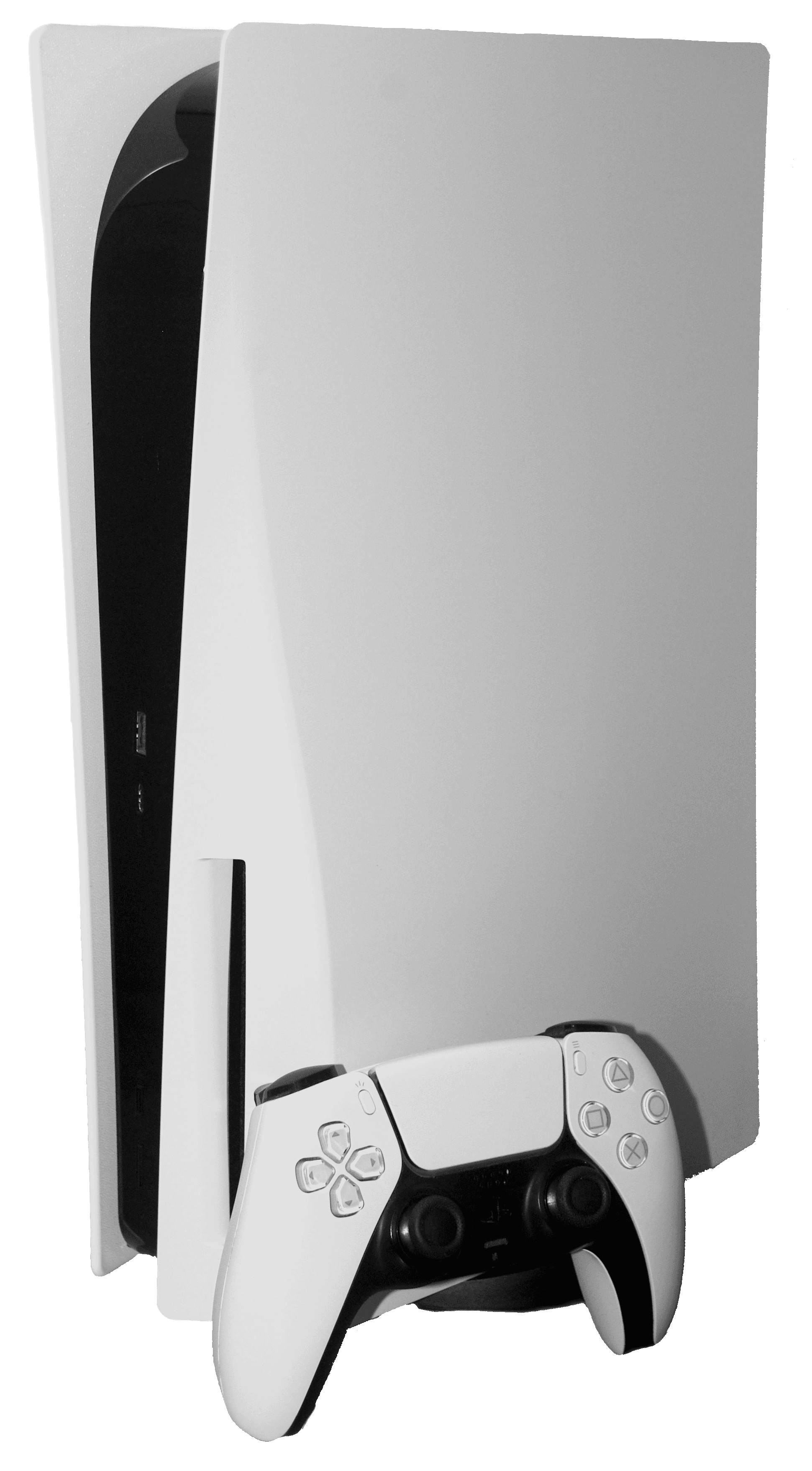
GTA 6 auto-drive lets your character drive to a waypoint on their own while you watch. Set a destination on the map, get in a vehicle, hold Down on the d-pad and press Options (PS5) or Menu (Xbox) to enter cinematic mode, then hold Circle (PS5) or B (Xbox). The car follows the roads and the traffic rules all the way there, and the triggers set its speed. It is not a fast way to travel, but it is free and it works from the start of the game.
How to turn on auto-drive in GTA 6
The steps are the same on PS5 and Xbox Series X|S:
- Set a waypoint. Open the map and mark your destination. Without one, the auto-drive prompt never appears, as Game Rant points out.
- Get in a vehicle with Triangle (PS5) or Y (Xbox) and start moving.
- Enter cinematic mode. Hold Down on the d-pad, and while you hold it, press Options (PS5) or Menu (Xbox). The camera switches to cinematic angles.
- Accelerate a little with R2 or RT until the auto-drive prompt shows up in the bottom-right corner of the screen.
- Hold Circle (PS5) or B (Xbox). Your character takes the wheel and heads for the waypoint.
TheGamer says nearly any vehicle will do, while GameTyrant limits it to motorized land vehicles: plan on a car or a motorbike, not a boat or a plane.
Auto-drive controls on PS5 and Xbox
| Action | PS5 | Xbox Series X|S |
|---|---|---|
| Enter cinematic mode | Hold Down on the d-pad + Options | Hold Down on the d-pad + Menu |
| Turn on auto-drive | Hold Circle | Hold B |
| Speed up | R2 | RT |
| Slow down | L2 | LT |
| Take back control (GameTyrant) | Hold Circle again | Hold B again |
| Leave cinematic mode | Hold Down on the d-pad | Hold Down on the d-pad |
If you play with a different button layout, the inputs can move. Our guide to GTA 6 classic controls explains how the layouts differ.
The setting to change: Auto Drive to Unrestricted
By default, auto-drive only works on roads. GameTyrant reports that the prompt disappears as soon as you drive onto a beach or off-road. To lift that limit:
- Pause the game and open Settings.
- Go to the Gameplay tab and scroll almost to the bottom.
- Find Auto Drive and switch it to Unrestricted.
Beebom recommends the same change so the feature works in every situation. With Unrestricted on, auto-drive starts off-road too, and your character steers back to the nearest road before heading on to the waypoint. GameTyrant notes that the in-game description warns of collisions with trees, bushes or animals on the way. Our list of the best GTA 6 settings to change first covers the other Gameplay options worth a look.
How auto-drive actually drives
Do not expect a getaway driver. Your character drives like any other motorist in Leonida: they stop at red lights, keep to their lane and avoid reckless moves. Even at the top speed you can set with the triggers, the trip is slow, and Beebom adds that the route it picks tends to be the scenic one rather than the shortest.
That makes auto-drive good for two things:
- Sightseeing. The cinematic camera cycles through angles, which suits a drive along the coast or a quiet look at a new area.
- Revealing the map. TheGamer suggests setting one very long waypoint early on, since the drive clears map fog as it goes. A plane is still much faster: see our guide on how to unfog the GTA 6 map fast.
It is not built for chases or missions where time matters. Take back control as soon as things get tense.
Faster alternatives
If you just want to arrive, other options beat auto-drive:
- Pay to skip a ride. RydeMe and Paradise Taxi let you skip the trip for $100 on top of the fare. Our GTA 6 fast travel guide covers both.
- Switch characters when the other protagonist is already where you want to go. See how to switch between Jason and Lucia.
- Let your partner drive. When both characters share a car, Beebom says you can hold Right on the d-pad and press R1 (PS5) or RB (Xbox) to hand the wheel to the other one.
FAQ
Why does the auto-drive prompt not appear in GTA 6?
You most likely have no waypoint set, or you are off-road with the Auto Drive setting still on its default. Mark a destination on the map, get back on a road or switch Auto Drive to Unrestricted, then enter cinematic mode again.
Can you make auto-drive go faster?
Yes, press R2 or RT to speed up and L2 or LT to slow down. Even the top speed stays slow, because your character keeps obeying traffic rules.
How do you stop auto-drive in GTA 6?
Hold Circle (PS5) or B (Xbox) again to take back the wheel, or hold Down on the d-pad to leave cinematic mode altogether.
Does auto-drive work with boats or planes?
No. It works in land vehicles that drive on roads, which is why an off-road start needs the Unrestricted setting.
Sources
Comments (0)
No comments yet. Be the first!