GTA 6: How to Run Without Clicking L3 Every Time
Clicking the left stick to run gets old fast. Three settings fix it in GTA 6: Movement Speed, the Classic scheme and Tap Assist, plus a hardware option.
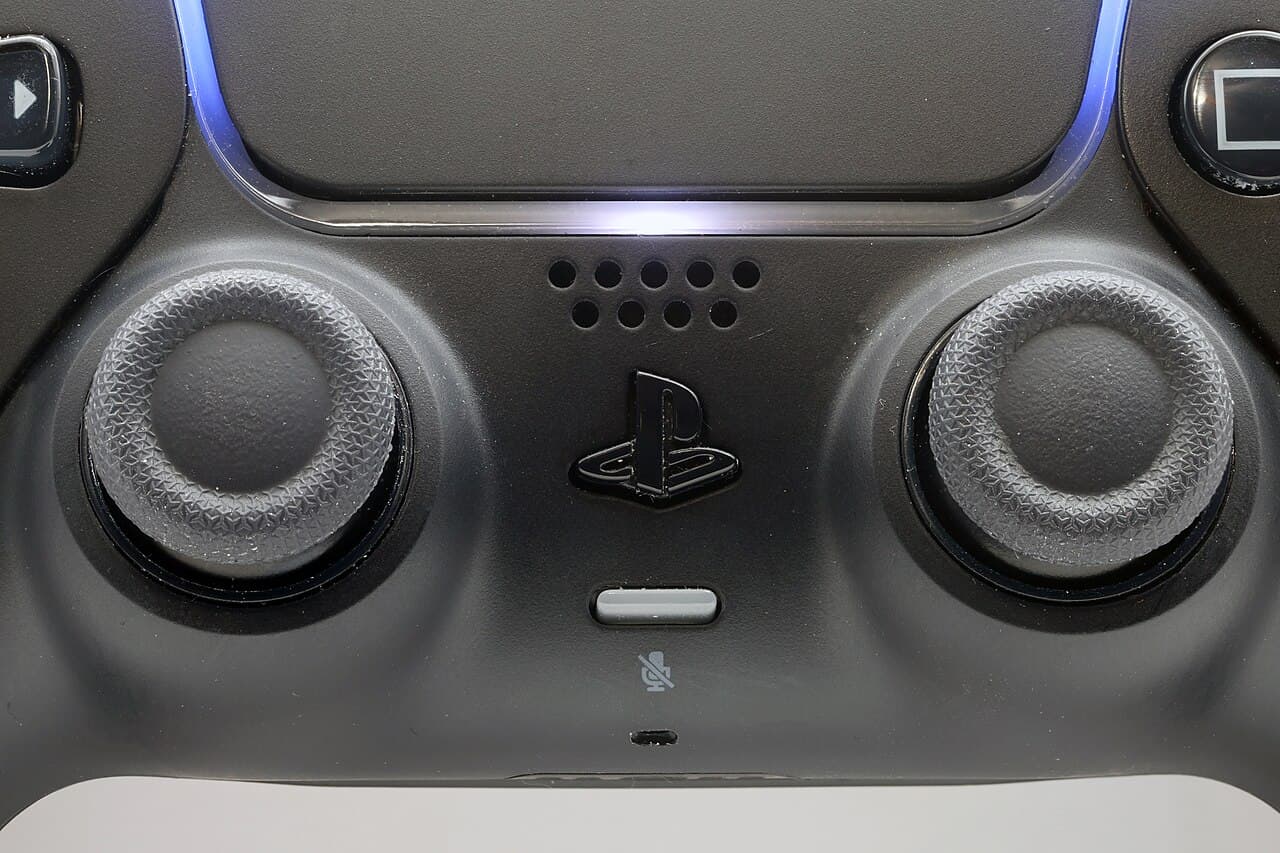
To run in GTA 6 without clicking L3 every time, open Settings > Gameplay > Movement and change Movement Speed from Walk to Jog or Run: a full push of the left stick then moves Jason or Lucia at that pace with no click at all. If you would rather keep sprint on a face button, the Classic control scheme moves it back to X on PS5 and A on Xbox. Both settings work on PS5 and Xbox Series X|S and can be changed at any time.
Why GTA 6 makes you click the stick
In the Default control scheme, running and sprinting sit on the left stick. The in-game help box says it plainly, as AllThingsHow quotes it: press L3 to run, press L3 again to sprint. The same click toggles fast swimming, and the game shows a notice about the change on one of its first screens, as Pro-Gamer describes.
With Movement Speed left on its default, those clicks add up over a long session, and on a worn controller the stick click is often the first input to get stiff or unreliable.
Fix 1: set Movement Speed to Jog or Run
This is the change most players want, and it keeps the Default layout.
- Press Options (PS5) or Menu (Xbox) and open Settings.
- Go to the Gameplay tab and scroll to the Movement section.
- Change Movement Speed from Walk to Jog or Run. The four values are Walk, Fast Walk, Jog and Run.
Walk is the default, which is why every push of the stick feels so slow at first. On Jog, a full push gets you around Vice City at a useful pace and you only click L3 when you actually need a sprint. Beebom notes that a light tilt of the stick still walks, so you keep fine control indoors.
Run is the fastest default pace. Jog is the better compromise if you often walk into interiors or follow characters on foot.
Combat Movement Speed
The same section has a separate Combat Movement Speed, with Walk, Fast Walk and Jog, used during firefights. Fast Walk keeps you steady enough to aim while moving between cover; Jog is quicker but looser.
Stand & Sprint
Stand & Sprint is off by default. Turned on, a sprint input pulls you out of a crouch. Leave it off if you play stealthily: an accidental stick click would stand you up in front of everyone.
Fix 2: put sprint back on X or A with the Classic scheme
If the stick click itself is the problem, switch layouts. Under Settings > Control Scheme, choose Classic: run and sprint move to X on PS5 (A on Xbox), jump and climb to Square (X), and L3 becomes crouch. Our GTA 6 classic controls guide lists every button that moves.
Classic brings back GTA 5's tapping, though. To avoid mashing, open Gameplay > Accessibility and set Tap Assist. Its values, listed by Playday, are Off, 2x, 3x, 4x and Hold: Hold turns tapping into simply holding the button, and the multipliers count one press as several. Our accessibility options guide covers the other assists in that menu.
A hold or toggle option for sprint
Beebom also lists a Run & Sprint option set to Hold, and recommends Toggle on the Default scheme. Playday's full list of the Movement section does not show it, so look for it on your own copy before relying on it.
Fix 3: move L3 to a back paddle
A controller with back buttons solves it without touching the game: map L3 to a rear paddle on a DualSense Edge or an Xbox Elite controller and you can run without lifting a thumb off the stick. Both consoles also offer system-wide button remapping in their accessibility settings, which applies to every game and does not change GTA 6's on-screen prompts. Our best controller for GTA 6 roundup compares the options.
Where you still have to tap
A few activities ignore these settings. Pro-Gamer reports that gym treadmill workouts still ask you to mash X or A, and that sprinting on a bicycle still means tapping X or A to stand on the pedals. Movement Speed changes nothing there.
For the rest of the menu, from motion blur to aim assist, see our GTA 6 best settings to change first.
FAQ
Is there an auto-sprint in GTA 6?
Not as a single switch. Setting Movement Speed to Run is the closest thing: full stick moves you fast without a click, and L3 adds the sprint on top.
Why does my character keep walking in GTA 6?
Movement Speed is set to Walk by default. Change it to Jog or Run in Settings > Gameplay > Movement.
Does Movement Speed change anything in combat?
No. Firefights use the separate Combat Movement Speed setting, which goes up to Jog.
Can I make L3 crouch instead of sprint?
Yes. The Classic control scheme puts crouch on L3 and sprint on X or A.
Sources
Comments (0)
No comments yet. Be the first!