GTA 6 Xbox Ban: Turn Off Auto-Upload Before You Capture a Clip
Xbox players report short suspensions after GTA 6 clips were uploaded automatically. One setting keeps your captures on the console.
To avoid a GTA 6 Xbox ban over a capture, turn off automatic uploads: press the Xbox button, go to Profile & system > Settings > Preferences > Capture & share > Automatically upload and pick Don't upload. Since the November 19, 2026 launch, Xbox players report short suspensions after GTA 6 screenshots and clips went to the Xbox network on their own, a problem first flagged in a Reddit PSA and covered by Pure Xbox. With uploads off, your captures stay on the console and nothing leaves it unless you share it yourself.
Why GTA 6 captures can get an Xbox account suspended
Xbox uploads every capture to the Xbox network by default, and uploaded content is checked against the Xbox community standards, which bar nudity, sexual content, drug misuse, excessive violence and hate speech. GTA 6 is rated PEGI 18 and M for exactly that kind of content (what the GTA 6 age rating means), so an ordinary clip of the game can trip the filter.
The reported penalty is a 2-day suspension of Xbox network features. The player behind the original PSA says their clip showed only beach gameplay in Vice City, with NPCs in swimsuits and no nudity, and that the decision could not be appealed. Game Rant notes that it is unclear whether a person or an automated system reviews these captures.
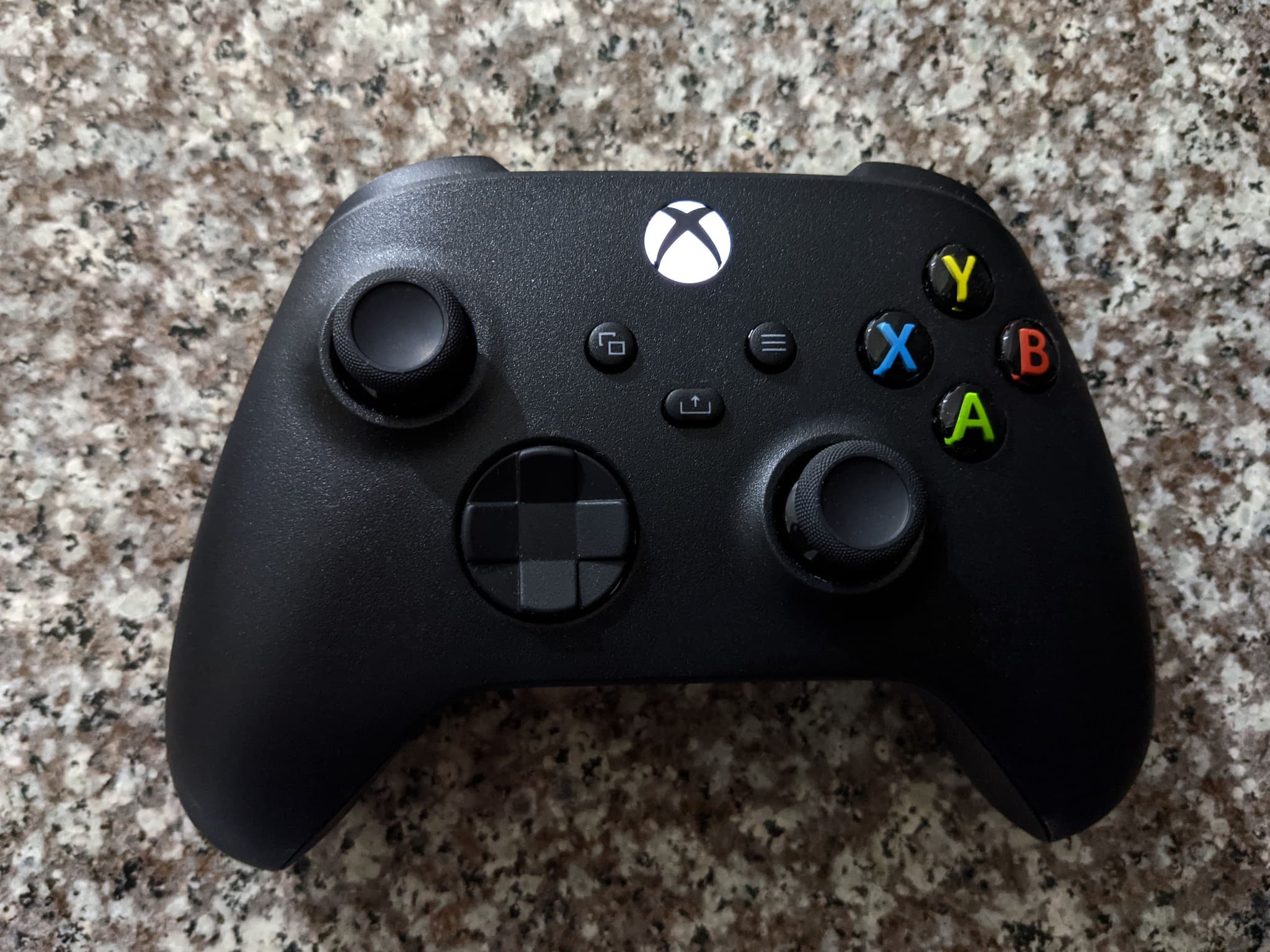
Accidental captures make it worse. The Share button sits in the middle of the Xbox controller, and Insider Gaming points out how easy it is to press by mistake during a firefight or a drive. A clip you never meant to take still uploads.
No statement from Microsoft or Rockstar about these GTA 6 suspensions had been published by November 21, 2026. The reports concern Xbox only: nothing similar has come up on PS5.
How to turn off auto-upload on Xbox Series X|S
- Press the Xbox button to open the guide.
- Go to Profile & system > Settings.
- Open Preferences, then Capture & share.
- Select Automatically upload.
- Choose Don't upload instead of "Captures by me or games" or "Captures by me".
The change takes effect at once, with no restart and no need to quit GTA 6. Screenshots and clips are still saved on the console, and you can upload any of them by hand later from your captures. While you are in the system menus, our GTA 6 settings to change first covers the in-game side: subtitles, HDR, aim and camera.
What the setting does not change
- Captures already uploaded stay online. Open your captures from the guide and delete the ones you would rather not keep on the Xbox network.
- OneDrive uploads are a separate option in the same Capture & share menu. The reports concern uploads to the Xbox network, not OneDrive.
- Other profiles on the console. If several people play GTA 6 on the same Xbox, check the setting while signed in to each profile.
What Xbox said the last time this happened
This is not new. In January 2024, Baldur's Gate 3 players were suspended for auto-uploaded clips of the game's sex scenes. Xbox Support then said suspensions are not automatic, that a moderator reviews each clip, that appeals can reverse a suspension made in error and that a first offense would have its suspension lifted, while advising players to turn off auto-upload when capturing sensitive content (VGC).
That account clashes with what GTA 6 players describe: suspensions that look automatic and cannot be appealed. Until Microsoft says otherwise, the only sure protection is to keep captures off the network.
What to do if you were already suspended
Check the enforcement history of your Xbox account: it lists the action, the reason and, when one is offered, the option to request a review. If no review is offered, the reported 2-day suspension simply runs out, then switch auto-upload off before you capture anything else. If the console is shared with a teenager, our GTA 6 parental controls guide explains how to limit what a child account can post.
FAQ
Can you get banned on Xbox for a GTA 6 screenshot?
Yes. Players report 2-day suspensions after GTA 6 screenshots and clips were uploaded automatically and flagged as breaking the Xbox community standards.
Does turning off auto-upload delete my GTA 6 clips?
No. Your captures stay on the console's storage. They are only uploaded when you share one yourself.
Do PS5 players need to change anything?
No similar suspension has been reported on PS5. The reports all involve the Xbox network's automatic upload.
Is the Xbox ban permanent?
The suspensions reported for GTA 6 last two days. Xbox says repeated or serious breaches of its standards can lead to longer suspensions.
Sources
Comments (0)
No comments yet. Be the first!