GTA 6 Requires a PS5 System Update Before You Play: How to Install 26.07-14.23.00
PlayStation Support says PS5 system software 26.07-14.23.00 must be installed before playing GTA 6, and your pre-load does not include it. How to check your version and install it in minutes, by internet, USB or Safe Mode.
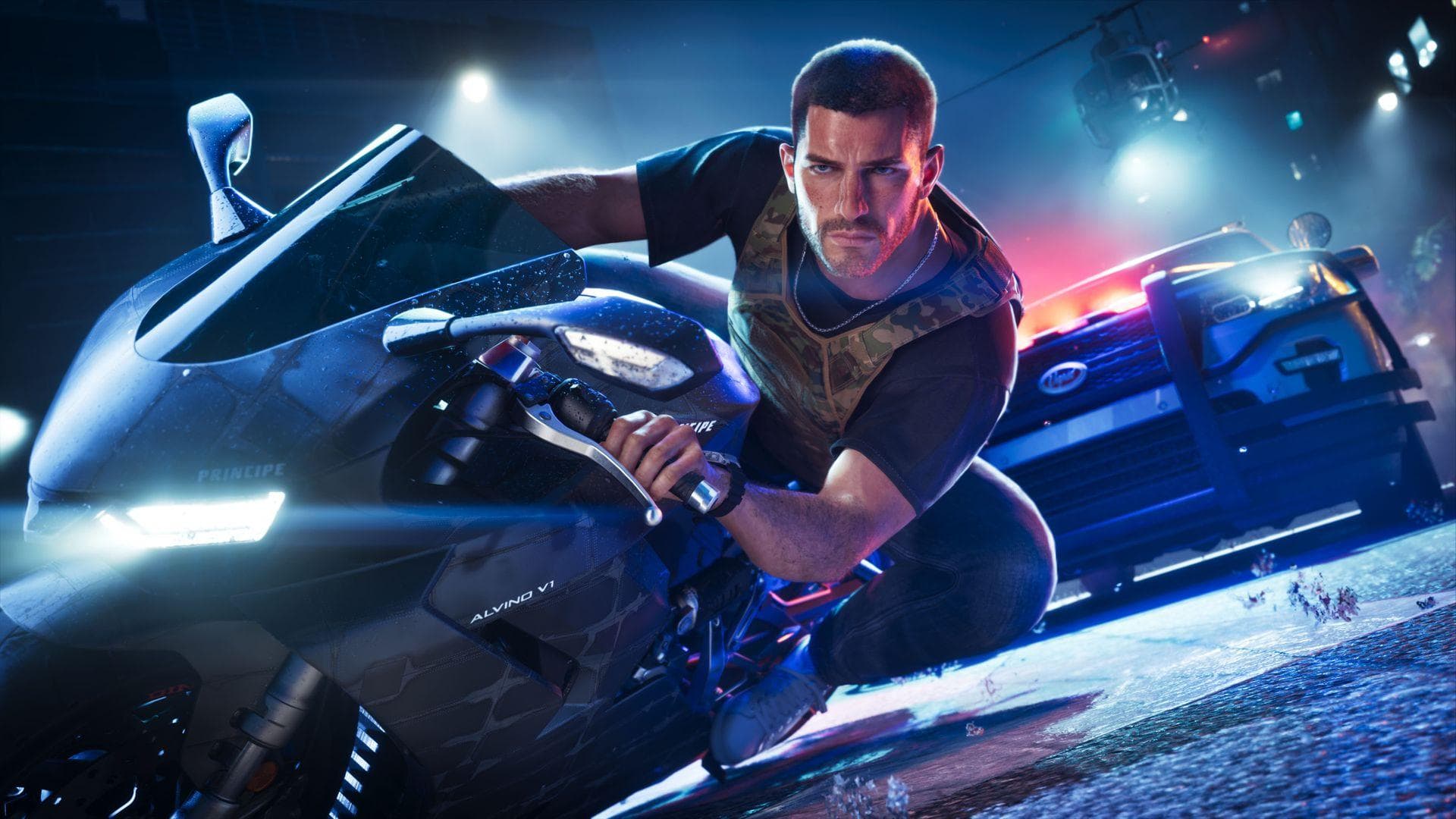
Your GTA 6 pre-load can sit at 100% and still not be enough. On 18 November 2026, the eve of launch, PlayStation Support said a new PS5 system update has to be installed before you can play Grand Theft Auto VI. The game files on your SSD do not include it, so every PS5 owner needs to check their console tonight, before the game unlocks at midnight.
Here is what is known about the update, how big it is, and the fastest ways to install it, including the USB method if your console refuses to download it.
The essentials
- Version required: PS5 system software 26.07-14.23.00, which outlets report rolled out on 17 November 2026.
- Who says it is required: PlayStation Support, in a post on X on 18 November, as reported by IBTimes UK and GTABoom: the update "is required before playing Grand Theft Auto VI".
- Size: around 1.2 to 1.3 GB (IGN measured 1.267 GB, per IBTimes). Sony's own notes give no size.
- What it changes: Sony's patch notes only say "We've made some security fixes to the system software."
- Pre-load does not cover it: the pre-load downloads the game, not your console's firmware.
- Xbox: no equivalent console update has been announced for Xbox Series X|S.
- Deadline: install it before midnight in your PlayStation Store region's time zone on 19 November.
Why a PS5 update the day before GTA 6?
Sony rarely explains its firmware updates in detail, and this one is no exception. The changelog for 26.07-14.23.00 contains a single line about security fixes. It is the latest in a short run of security-focused releases this autumn, according to GTABoom's timeline:
| Version | Reported date | Note |
|---|---|---|
| 14.10.00 | early October 2026 | first version reported as the GTA 6 minimum |
| 14.20.00 | late October 2026 | security fixes only |
| 14.22.00 | around 2 November 2026 | became the reported minimum |
| 14.23.00 | 17 November 2026 | now the version PlayStation Support says is required |
Several outlets have connected these releases to piracy and console exploits ahead of the biggest launch of the generation. Sony has not confirmed that link, so treat it as commentary, not fact. What matters for you is simpler: the support account says the update comes first, so install it.
This is also separate from GTA 6's own game patches. Rockstar's day-one game update is downloaded through the game itself; the system update is a console-level install. If you want the full picture of what may download at midnight, see our guide on the GTA 6 day-one patch and what to do if the game won't launch.
Do you already have it? Check your PS5 version
Before downloading anything, check what your console is running:
- Open Settings (the gear icon, top right of the home screen).
- Go to System, then System Software.
- Select Console Information.
- Look at the System Software line. If it reads 26.07-14.23.00 or higher, you are done.
If your PS5 is set to download updates automatically and was in rest mode with "Stay connected to the internet" enabled, it may have installed the update overnight already.
Method 1: update the PS5 over the internet (the fastest way)
This is the method almost everyone should use.
- Go to Settings > System > System Software.
- Select System Software Update and Settings.
- Choose Update System Software, then Update Using Internet.
- If an update is available, the PS5 downloads it. Select Update when prompted.
- The console restarts and installs the update. Do not turn it off or unplug it during this step.
On a normal home connection, the download of roughly 1.2 GB takes a few minutes; the install and restart add a few more. Do it now, not at 23:55: Sony's servers are about to face the same rush as Rockstar's, and a stuck download at midnight is the last thing you want.
While you are in that menu, switch on Download Update Files Automatically and Install Update Files Automatically. Future system updates will then install in rest mode on their own.
Method 2: update with a USB drive (if the download fails)
If your PS5 cannot reach Sony's servers, or the update keeps failing, you can install the file from a USB drive. Use only the official file from PlayStation's website.
- On a PC or Mac, format a USB drive as FAT32 or exFAT.
- Create a folder named PS5, and inside it a folder named UPDATE (capital letters).
- Download the PS5 system update file from the official PlayStation support site and save it in the UPDATE folder as PS5UPDATE.PUP. Make sure you take the update file, not the larger reinstallation file.
- Plug the drive into your PS5 and go to Settings > System > System Software > System Software Update and Settings > Update System Software > Update from USB Drive.
Warning: the official page also offers a reinstallation file, used to reinstall the system from scratch. That one wipes your console, including your 212 GB GTA 6 pre-load. You do not want it tonight.
Method 3: Safe Mode (if the PS5 will not start properly)
If the console will not boot normally or the update keeps crashing:
- Turn the PS5 fully off (hold the power button until it beeps, not rest mode).
- Hold the power button again and release it after the second beep, about seven seconds later.
- Connect your controller with a USB cable and press the PS button.
- Choose Update System Software (option 3), via internet or USB.
Never pick "Reinstall System Software" or "Reset PS5" in Safe Mode unless you are ready to lose everything stored on the console.
What if you have not updated by midnight?
Based on PlayStation Support's wording, you should expect to be asked to update before the game starts. Sony has not detailed exactly how the requirement is enforced, so the safe assumption is that GTA 6 will not run on an older version. The fix is the same as above: install the update, let the console restart, then launch the game. You lose a few minutes, not your pre-load.
If the game still refuses to start after the update, the problem is usually elsewhere: an incomplete pre-load, a missing game patch, or the license check at unlock time. Our guide to a GTA 6 pre-load stuck, paused or not starting covers those cases step by step.
Xbox players: anything to do?
No GTA 6-specific console update has been announced for Xbox Series X|S. It is still worth checking Settings > System > Updates so that the console is current, and making sure your pre-load is complete. Rockstar's pre-load opened on 10 November; our article on the GTA 6 pre-load and its 212 GB requirement has the details for both consoles.
Your last-minute PS5 checklist
- Check Console Information and install 26.07-14.23.00 if needed.
- Confirm the GTA 6 pre-load is at 100% and that the game shows no pending download.
- Keep a few gigabytes free for the day-one game patch on top of the 212 GB install.
- Leave the console in rest mode, connected to the internet, with automatic updates on.
- Know your exact unlock time: it is midnight in your store's time zone, not your own. Our GTA 6 release time in every time zone page lists them.
For the complete preparation list, including storage, parental controls and network settings, see our pre-launch console checklist.
Sources
- PlayStation Support post on X, 18 November 2026, as quoted by IBTimes UK and GTABoom.
- Sony PS5 system software page, changelog for 26.07-14.23.00 ("We've made some security fixes to the system software").
- IGN, via IBTimes UK, for the 1.267 GB download size.
This article will be updated if Sony or Rockstar publish more details before launch.
Comments (0)
No comments yet. Be the first!