Does GTA 6 Have Director Mode or a Rockstar Editor?
GTA 6 ships without Director Mode and without the Rockstar Editor. Here is what you can use instead: Photo Studio, the phone camera and your console's own recorder.
No, GTA 6 has no Director Mode. There is no Rockstar Editor either: the PS5 and Xbox Series X|S versions released on November 19, 2026 offer no way to stage scenes with actors, record a replay inside the game or cut it into a video, and Insider Gaming confirms you cannot enable Director Mode at all. The only creative tool in the pause menu is Photo Studio, a photo mode. For video, you rely on your console's capture features.
What Director Mode and the Rockstar Editor did in GTA 5
In GTA 5, the two tools worked together. The Rockstar Editor recorded clips of your play and let you edit them with camera angles, filters and music. Director Mode, opened from the same menu, let you pick an actor from 17 categories, then set the time of day, the weather, the wanted level and the density of pedestrians and traffic before filming. It debuted on PC and reached PS4 and Xbox One with the Freemode Events Update on September 15, 2015, as the GTA Wiki records. It is still in GTA 5 on PS5 and Xbox Series X|S.
GTA 6 keeps none of it. It joins the list of GTA 5 features missing from GTA 6, alongside Red Dead Redemption 2, which never got a Rockstar Editor either.
Will Rockstar add Director Mode later?
Rockstar has not announced a Director Mode or a Rockstar Editor for GTA 6, and has said nothing about a later update. Insider Gaming expects one could arrive after launch, but that is an opinion, not a plan Rockstar has shared. GTA 5's editor arrived with the PC version, and Rockstar has not announced a PC version of GTA 6.
Photo Studio: the closest tool in GTA 6
Photo Studio is a full photo mode, available from the start of the game with nothing to unlock. Pause the game and open the Photo Studio tab: on PS5 it is the fifth entry, and Square opens it straight from the pause menu, as All Things How details. It also opens during cutscenes, with some settings disabled.
Its five tabs cover most of what a screenshot needs:
- Camera: speed, grid, roll, aspect ratio (8 choices), field of view, depth of field, aperture and focus distance, plus a toggle to hide your character.
- Effects: exposure, contrast, highlights, shadows, saturation, temperature, tint, sharpness and grain.
- Lighting: up to five lights you place yourself.
- Vehicle: headlights, brake lights, turn signals and fog lights on the car you are next to.
- Overlays: 17 filters, a vignette and color isolation.
What it cannot do is what Director Mode did best. You cannot change the time of day or the weather, and there is no pose or expression menu. Photos go to the console's media gallery, not to the in-game phone, as gta.guide explains. For posed shots, the phone camera's selfie mode offers poses and facial expressions, and unlocks after the prologue.
How to record and edit GTA 6 clips without an editor
With no in-game recorder, the console does the filming:
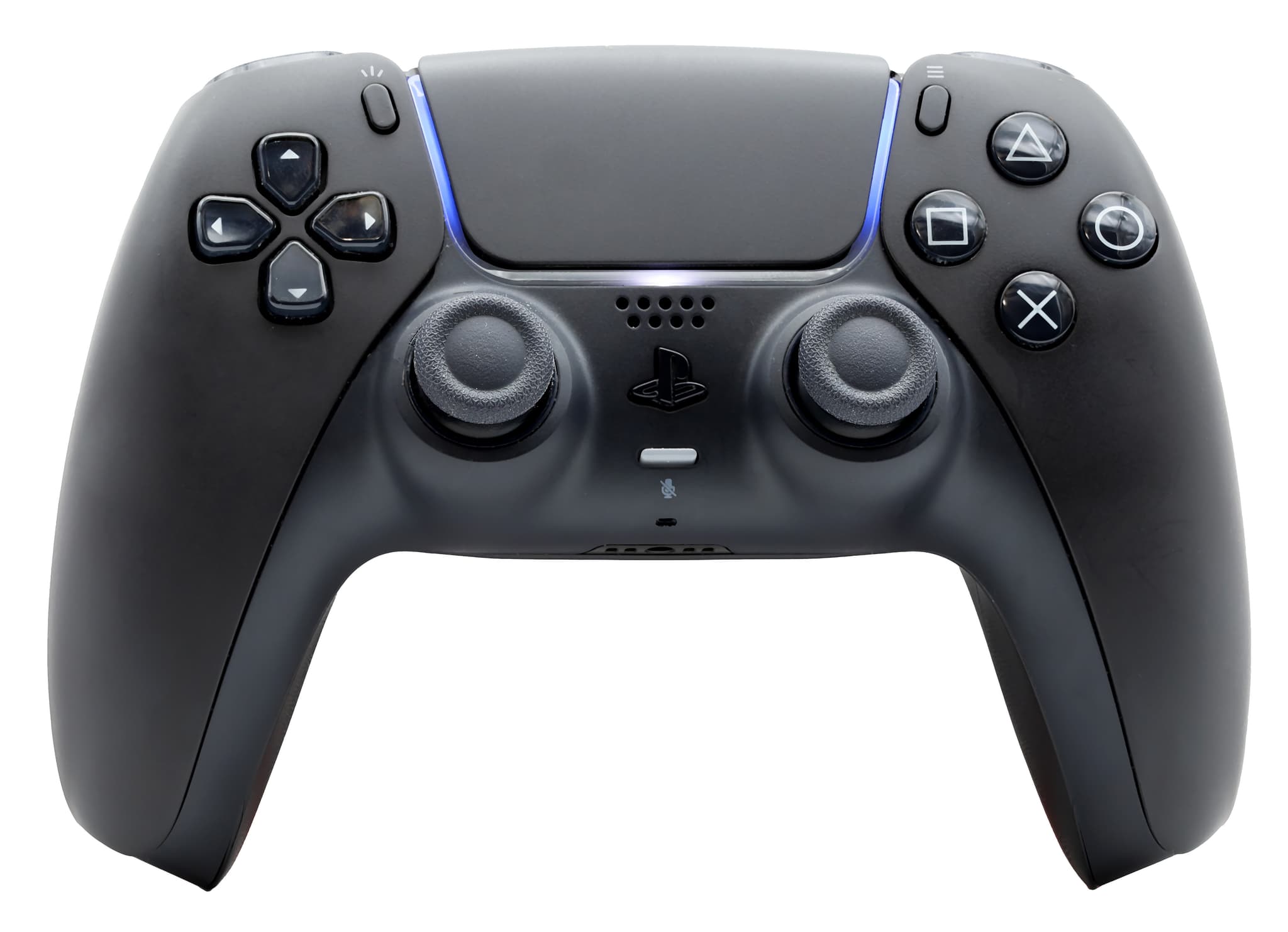
- PS5: press the Create button, then choose Save Recent Gameplay to keep what just happened, or Start New Recording to film from now on.
- Xbox Series X|S: press the Share button for a screenshot, or hold it to save the last few seconds of play as a clip.
You then trim the clip in the console gallery or move it to a video editor on a computer, the route Eklipse recommends. On Xbox, switch off automatic uploads first: GTA 6 captures have led to Xbox suspensions. To set the scene yourself, the camera and HUD options in our GTA 6 settings to change first help you get a cleaner image before you press record.
Because nothing is replayed after the fact, the moment has to be caught live. Save before a mission you want to film, since replaying missions in GTA 6 depends on your save slots.
FAQ
Is there a Rockstar Editor in GTA 6 on PS5?
No. Neither the PS5 nor the Xbox Series X|S version includes the Rockstar Editor. Use the Create button and the PS5 media gallery to capture and trim clips.
Can you change the weather in GTA 6 Photo Studio?
No. Photo Studio cannot change the weather or the time of day. You have to wait for the conditions you want in the game itself.
Where are GTA 6 Photo Studio pictures saved?
In your console's media gallery. On Xbox, look in My Games & Apps, then Apps, then Captures. They do not appear in the in-game phone's gallery.
Can you make machinima in GTA 6?
Not with built-in tools. Without Director Mode you cannot place actors or control the scene, so any film has to be shot from live play with console capture.
Sources
- Insider Gaming : Does GTA 6 have Director Mode? Explained
- GTA Wiki : Director Mode
- All Things How : GTA 6 Photo Studio, how to use photo mode and its controls on PS5
- gta.guide : GTA 6 photo mode, how to open and where photos are saved
- Eklipse : GTA 6 Rockstar Editor and Director Mode, what to use instead
Comments (0)
No comments yet. Be the first!