How Long Does GTA 6 Take to Download? Times by Internet Speed
GTA 6 weighs up to 212 GB. Here is how long the download takes at 25, 100, 500 Mbps and 1 Gbps on PS5 and Xbox, why it is often slower than the math, and how to speed it up before November 19.
GTA 6 is a big download: Rockstar says the game needs up to 212 GB of free space, depending on your console. On a typical 100 Mbps connection that is close to five hours at full speed, and realistically more like six to eight. On a slow 25 Mbps line, count on a full day. The good news is that digital pre-orders can start downloading on November 10, nine days before launch, so almost everyone can have the game ready in time if they start early.
Below: the download time for every common connection speed, why the real figure is usually worse than the math, and the settings that actually make a difference on PS5 and Xbox Series X|S.
The essentials
- Size: up to 212 GB, according to Rockstar. The exact figure depends on the device and will only show on your console when pre-load opens.
- At 100 Mbps: about 4 hours 45 minutes in theory, 6 to 8 hours in practice.
- At 1 Gbps (fiber): about 30 minutes in theory, often around an hour because the store servers, not your line, become the limit.
- At 25 Mbps: about 19 hours in theory, often more than a day.
- Pre-load opens: November 10 at midnight local time on PS5, and at 12am GMT on November 10 on Xbox (Rockstar).
- Launch: November 19, 2026, at midnight in your store's time zone.
- Best single fix: plug the console in with an Ethernet cable and leave it downloading in rest mode.
Download time by connection speed
Here is the arithmetic. 212 GB is about 1,696 gigabits, so the time is that number divided by your speed. The "realistic" column assumes you get roughly 70% of your advertised speed over the whole download, which is a fair average for a busy launch week over a decent home connection.
| Connection speed | 212 GB at full speed | Realistic estimate |
|---|---|---|
| 10 Mbps | about 47 hours | 2.5 to 3 days |
| 25 Mbps | about 19 hours | 24 to 28 hours |
| 50 Mbps | about 9 hours 25 min | 12 to 14 hours |
| 100 Mbps | about 4 hours 45 min | 6 to 8 hours |
| 200 Mbps | about 2 hours 20 min | 3 to 4 hours |
| 300 Mbps | about 1 hour 35 min | 2 to 3 hours |
| 500 Mbps | about 57 minutes | 1 hour 20 min to 2 hours |
| 1 Gbps | about 28 minutes | 45 minutes to 1 hour 30 min |
Two notes on the table:
- Mbps is not MB/s. Internet plans are sold in megabits per second. Your console shows the download in megabytes per second, which is eight times smaller. A 100 Mbps plan peaks at about 12.5 MB/s on screen.
- 212 GB is a maximum. Rockstar's wording, "up to 212 GB depending on device", suggests some consoles will download less. If your console shows a smaller figure on November 10, the times above shrink in proportion.
For context, measured median fixed broadband speeds are high in many markets: Ookla's Speedtest Global Index put the US at around 300 Mbps and France at around 350 Mbps in spring 2026. Medians hide a lot, though. Rural DSL, 4G home boxes and shared apartment Wi-Fi can sit well under 50 Mbps, and those are exactly the setups that need to start on day one of pre-load.
Why your download will be slower than the math
The table gives a floor, not a promise. Several things eat into the speed you pay for.
Server load on pre-load night
Millions of people will hit the PlayStation Store and Xbox servers within the same few hours. Both platforms use content delivery networks built for this, but a launch of this size will still test them. Expect speeds to dip in the first hours after pre-load opens in your region, then recover. If you can, start the download and simply let it run overnight rather than watching the bar. We looked at the risk of a bigger failure in could GTA 6 servers go down on launch night.
Wi-Fi
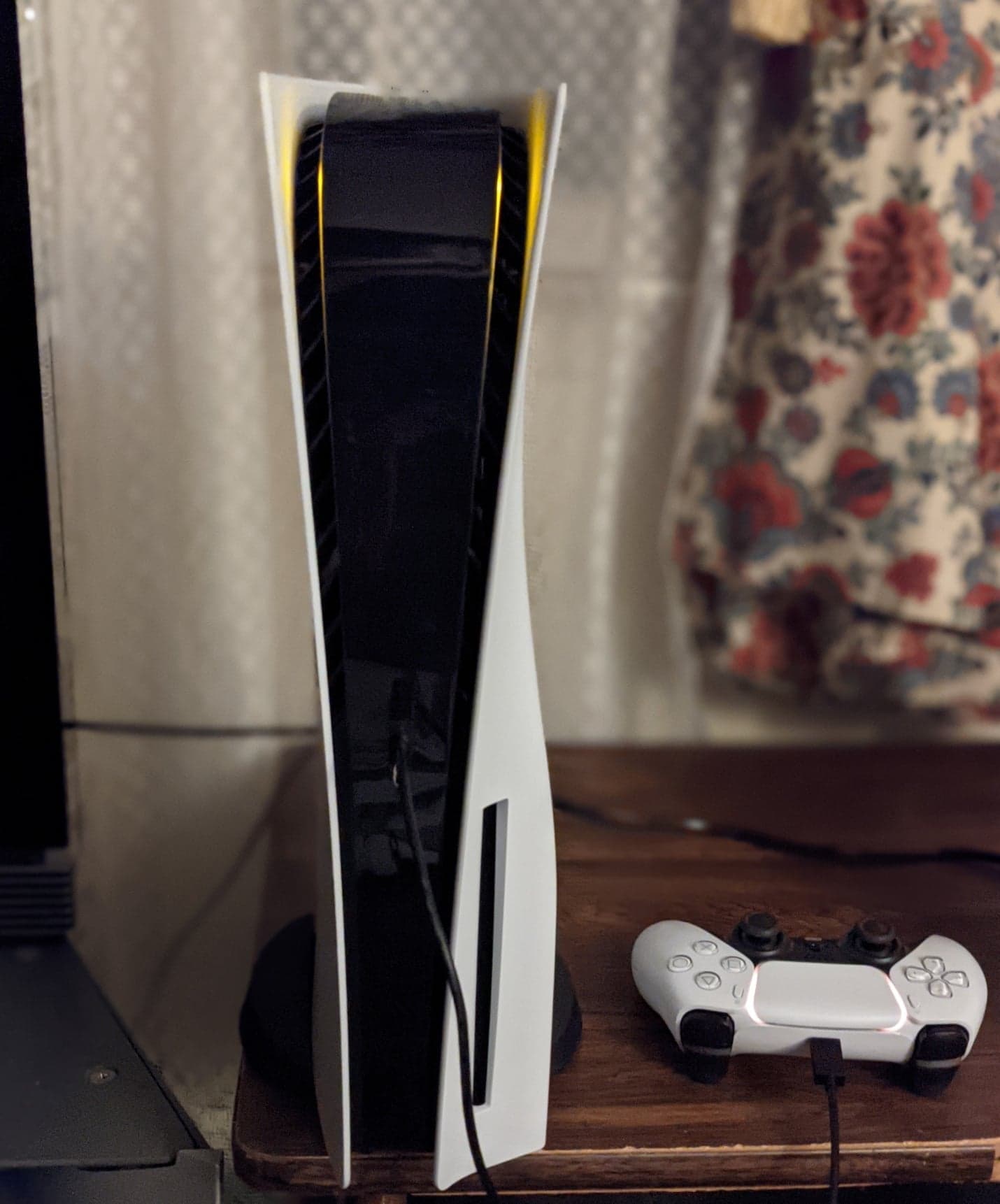
Wi-Fi is the most common bottleneck. A gigabit fiber line can drop to 100 or 200 Mbps by the time it crosses two walls. The original PS5 and PS5 Slim support Wi-Fi 6, the PS5 Pro supports Wi-Fi 7, and the Xbox Series X and S top out at Wi-Fi 5. All of them have a gigabit Ethernet port, which is the more reliable choice.
The console's own ceiling
Even on a 2 Gbps or faster plan, the console's network port is gigabit, and the stores rarely serve a single download at full line rate anyway. Beyond about 500 Mbps, the gains get smaller and less predictable.
Other devices on the network
Streaming 4K video, a PC game update or a cloud backup on the same connection all share the bandwidth. On a modest line, pausing them for the night is worth hours.
How to download GTA 6 faster on PS5 and Xbox
None of these are tricks. They are just the settings that let the console use the connection you already have.
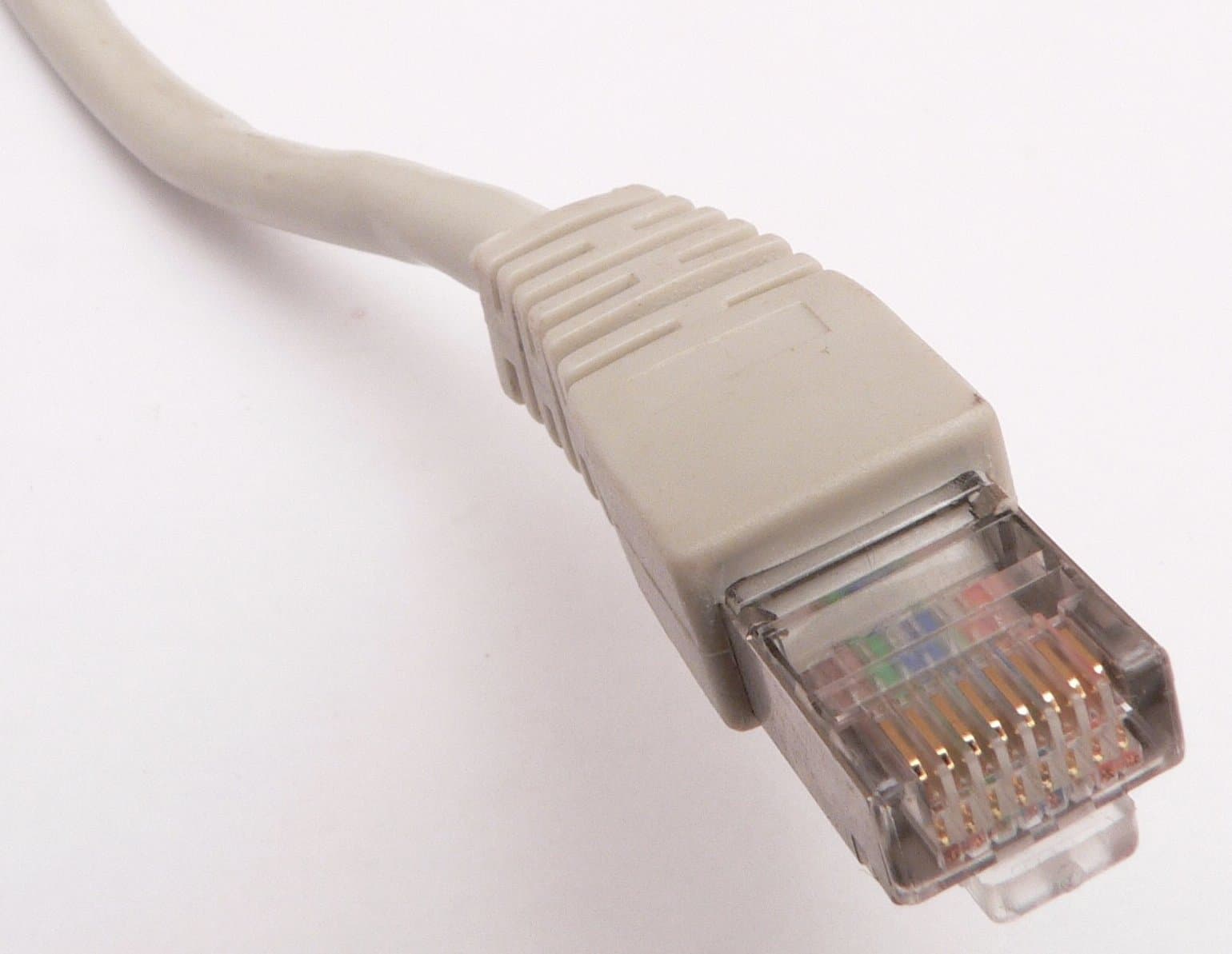
- Use Ethernet. A cable between the router and the console is the single biggest improvement for most homes. Even a long, cheap cable usually beats Wi-Fi through walls.
- Free the space first. The download will not start if there is not enough room. Clear well over 212 GB now, because installs often need extra temporary space and a day-one patch is common for games this size.
- Allow downloads in rest mode. On PS5, go to Settings, then System, then Power Saving, then Features Available in Rest Mode, and turn on "Stay Connected to the Internet". On Xbox, choose the power mode that keeps downloading updates and games while the console is off.
- Install system updates before November 10, so a firmware download does not jump the queue on the night.
- Do not pause and restart the download repeatedly. Restarting can help if the speed has crashed, but doing it every few minutes rarely helps and can reset progress on some files.
- Start early, finish early. Nine days is plenty for almost any connection. There is no reason to wait for launch night, when the servers will be busiest and the patch may arrive on top.
Our pre-launch console checklist walks through each setting step by step, and the GTA 6 preload guide explains how to start the pre-load on each platform.
Watch your data cap
212 GB is a lot of data in one go. Many fixed fiber and cable plans are unlimited, but some are not:
- Some US cable and DSL plans still include a monthly data allowance, and some fixed wireless and satellite plans have tight ones.
- 4G and 5G home internet boxes and mobile hotspots often slow you down after a set volume.
Check your plan before November 10. If 212 GB would push you over, starting the pre-load right after your billing cycle resets is the cheapest fix.
What about code-in-box copies?
Retail boxes go on sale from November 12, and they contain a download code, not a disc. Buying a box does not save you the download: once you redeem the code on your console's store, you get the same 212 GB download as a digital buyer. If your connection is slow, redeem the code the day you get it.
The pre-load news page has the full details Rockstar confirmed on November 3, including start times for each platform.
When should you start?
Work backwards from the launch. GTA 6 unlocks at midnight in your store's time zone on November 19 (our release time page has the table for every region). Pre-load opens on November 10. That gives you:
- Fiber, 300 Mbps and up: any evening of pre-load week works. Even a slow first night will not stop you.
- 100 to 200 Mbps: start on November 10 or 11 and leave it overnight.
- Under 50 Mbps: start the moment pre-load opens in your region, keep the console on Ethernet and in rest mode, and check progress each morning. Two or three nights is normal.
Then plan for one more thing: a possible launch-day update. Rockstar has not announced one, but if it arrives, it will download on top of the 212 GB around launch, when demand peaks.
Questions players ask
Can I play while it downloads? No. Pre-loading only stores the game files. GTA 6 stays locked until launch, whatever your download progress.
Will the PS5 and Xbox download be the same size? Not necessarily. Rockstar says the size depends on the device. You will see the exact figure on your console when the pre-load opens.
Is there a faster "early" download somewhere? No. GTA 6 only downloads from the PlayStation Store and the Microsoft Store. Any site offering an early or compressed download is a scam: see how to spot fake GTA 6 betas and early downloads.
Does PS5 Pro download faster? Its Wi-Fi 7 chip helps if you have a matching router, but on Ethernet all current consoles share the same gigabit ceiling. Your connection and the store servers matter far more than the model.
The short version: check your speed, multiply, and start early. With nine days of pre-load, the only people who miss midnight on November 19 are the ones who wait.
Comments (0)
No comments yet. Be the first!