GTA 6 Game Sharing on PS5 and Xbox: How to Play on a Second Account on the Same Console
Yes, a second profile can play GTA 6 on your PS5 or Xbox without buying it again. How Console Sharing and My home Xbox work, step by step, plus saves, bonuses and the limits.
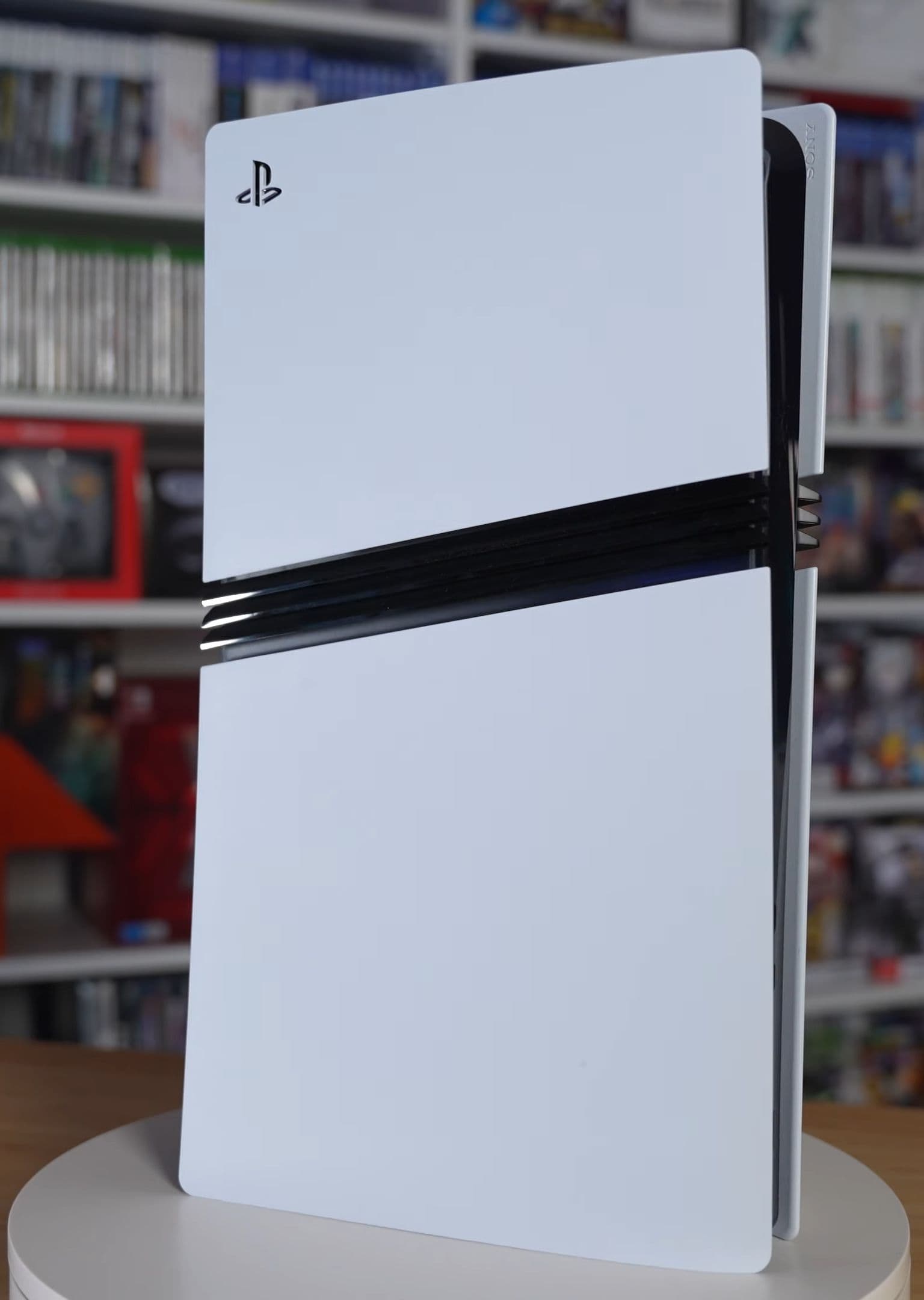
Yes, you can share GTA 6 with a second account on the same PS5 or Xbox, and it costs nothing extra. The game is tied to the account that bought it, not to the console, so the trick is simply to tell your console that it is your "main" machine. Do that, and every other profile on it (a partner, a sibling, a roommate) can launch GTA 6 from their own account, with their own save. Here is how GTA 6 game sharing on PS5 and Xbox Series X|S works now that the game is out, step by step, plus the limits nobody mentions on the box.
The essentials:
- On PS5, the setting is called Console Sharing and Offline Play. Turn it on with the account that owns GTA 6, on the console the other person uses.
- On Xbox Series X|S, the setting is called My home Xbox. Make the console your home Xbox with the buying account.
- One console per account. You can only have one sharing-enabled PS5, and one home Xbox, at a time.
- No subscription needed for the story mode, whether you own the game or play it through sharing.
- Each profile keeps its own save. Sharing gives access to the game, not to the owner's progress.
- PS5 and Xbox are separate licenses. A PS5 copy cannot be shared to an Xbox, and the reverse.
- The boxed edition is a code, not a disc, so there is nothing to lend: whoever redeems the code owns the game.
How GTA 6 game sharing works
Both Sony and Microsoft sell digital licenses that belong to an account. To stop one purchase from running on dozens of consoles, each of them lets an account pick one console where its games are open to everyone who signs in. That is the whole system, and GTA 6 follows it like any other game: guides published since launch by games.gg and gta6france.fr describe the same settings and the same limits, and Rockstar has announced no special restriction.
This matters more than usual for GTA 6, because the physical edition contains no disc. As we explain in our guide to redeeming the boxed code, the box holds a download code. Once redeemed, the game is a digital purchase on that account, and from then on console sharing is the only way to let a second profile play it.
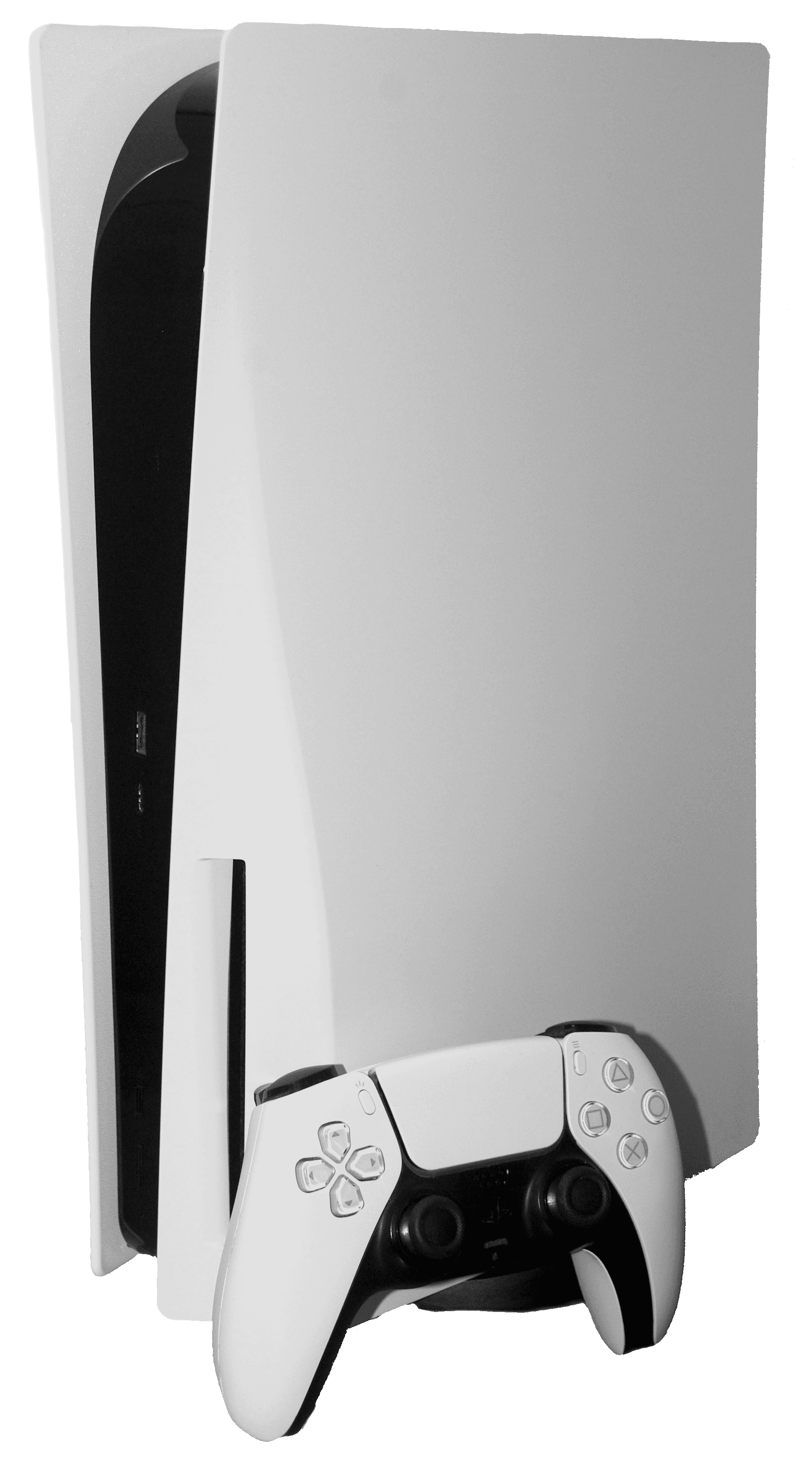
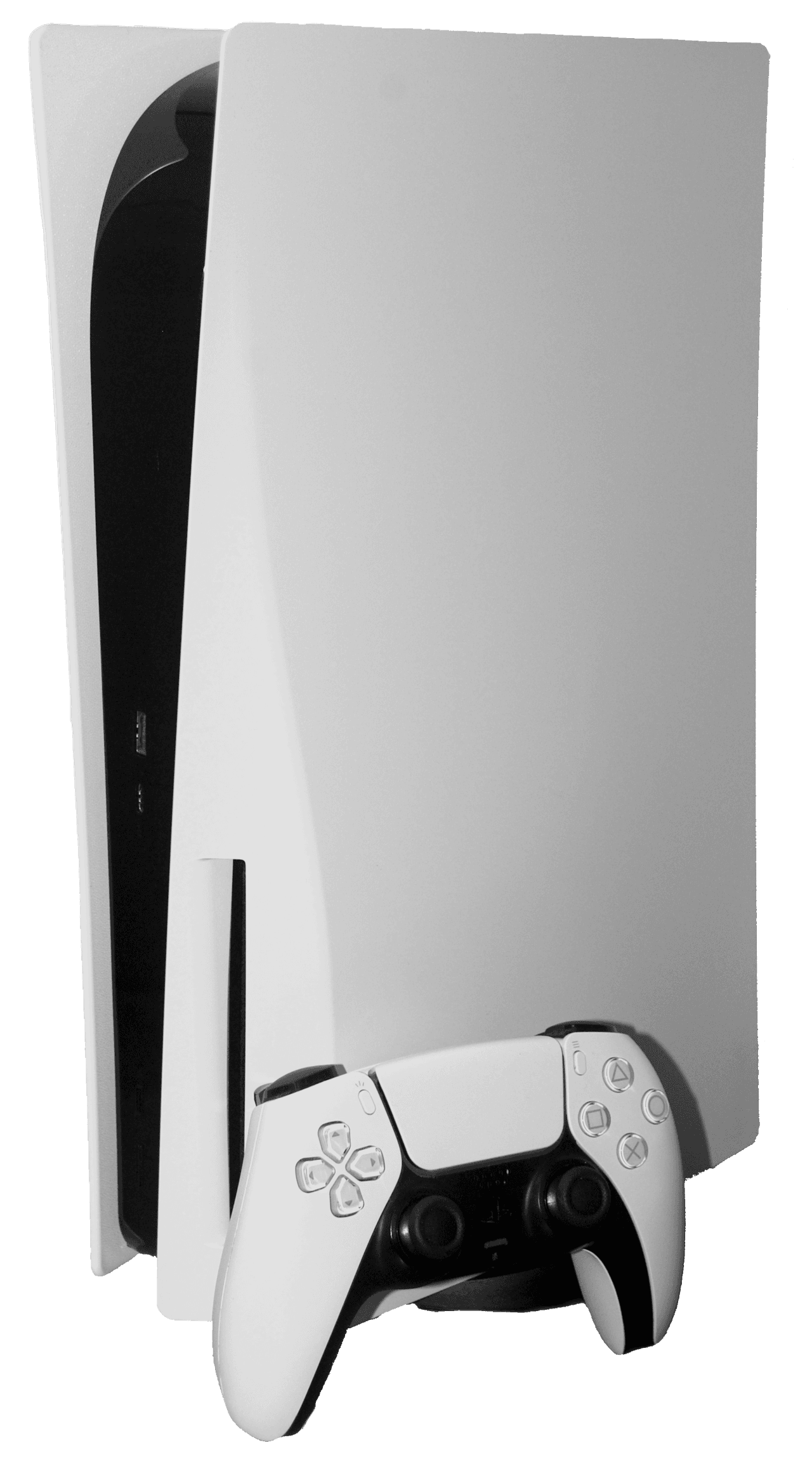
Share GTA 6 on PS5: Console Sharing and Offline Play
On PS5, the setting that matters is Console Sharing and Offline Play. When it is on, every user of that console can play the games the owner bought, even when the console has no internet connection.
- Turn on the PS5 the other person will use, and sign in with the account that bought GTA 6.
- Open Settings, then Users and Accounts.
- Go to Other, then Console Sharing and Offline Play.
- Choose Enable.
- Download GTA 6 from the game library if it is not installed yet. It is a large install, so plan for the space.
- The other person signs in with their own profile and launches GTA 6 from the home screen.
Sony switches the setting on automatically on the first PS5 where you sign in, according to games.gg. If you bought GTA 6 on your own PS5 and the family uses that same console, sharing is probably already working. It is worth checking the setting if a second profile sees a padlock icon next to the game, which usually signals a license problem.
The limit: only one PS5 per account can have the setting enabled. Turning it on for a new console turns it off on the old one, as Vice and PlayStation's own support pages note. On any other PS5, you can still play your games by signing in with your own account, but the other profiles on that machine cannot.
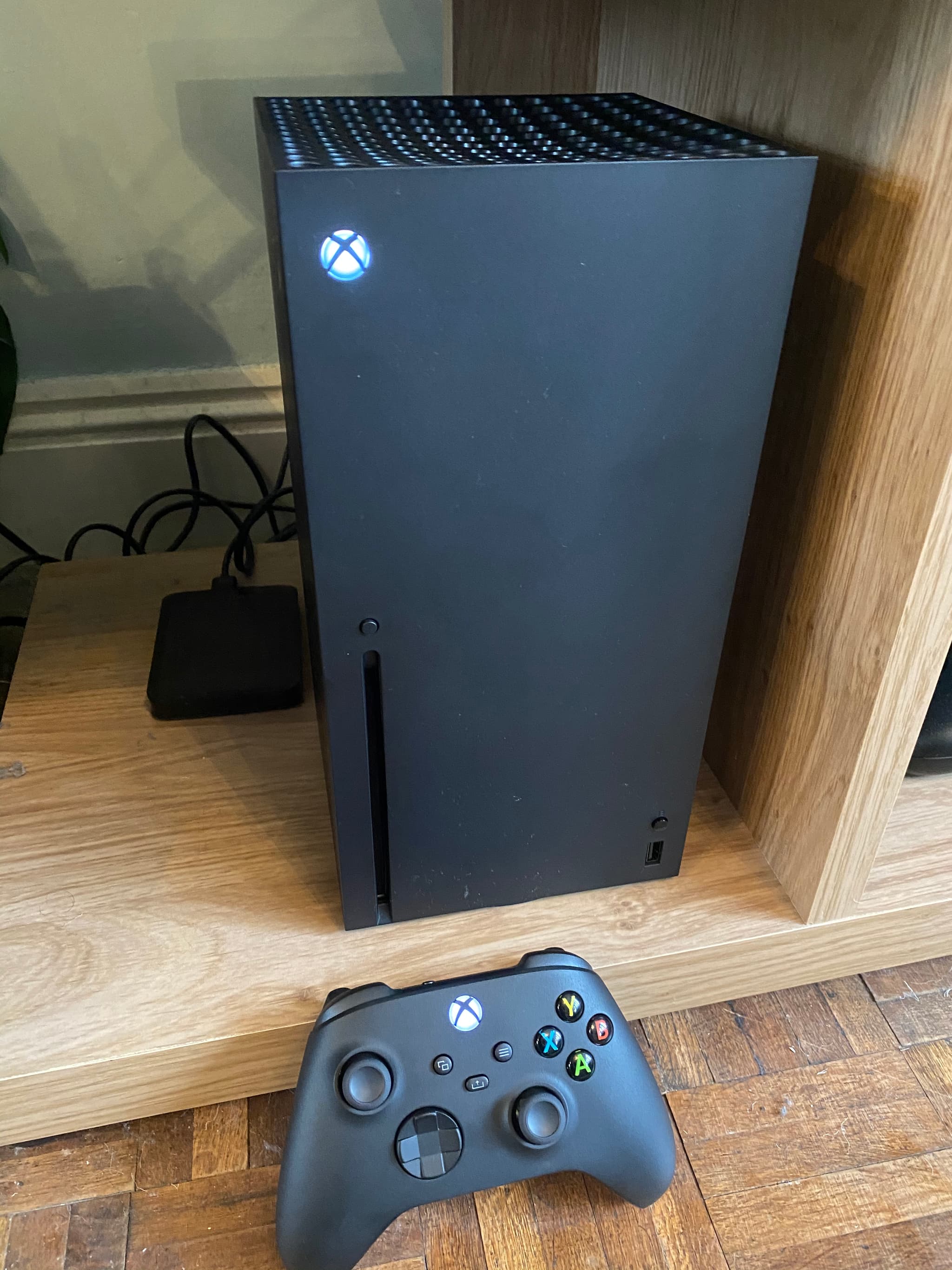
Share GTA 6 on Xbox Series X|S: My home Xbox
On Xbox, the equivalent is the home Xbox. Everyone who signs in on that console can play the owner's digital games with their own profile.
- Sign in on the Xbox with the account that bought GTA 6.
- Press the Xbox button, then go to Profile and system, then Settings.
- Open General, then Personalization, then My home Xbox.
- Select Make this my home Xbox.
- Install GTA 6 if needed. Other profiles can then launch it.
Microsoft lets you change your home Xbox five times in a rolling 12-month period, a limit reported by TechRadar and many other guides. Do not swap it back and forth to test things.
Away from the home console, the rule flips: the owner can play GTA 6 on another Xbox, but only while signed in and online, because that console checks the license on the account. If the owner signs out there, the game can stop with a "Do you own this game or app?" message.
One reminder: GTA 6 runs natively on Xbox Series X and Series S only. Xbox One owners reach it through cloud streaming, a separate case covered in our news coverage.
Can two people play GTA 6 at the same time?
On the same console, no: a console runs one game session at a time, and GTA 6 has no split-screen mode. We go through the details in our split-screen and local co-op explainer.
On two consoles, often yes. The classic setup is the owner playing on their own console while someone else plays on the sharing-enabled one. Both Sony's and Microsoft's systems are designed for that, and games.gg says it works with GTA 6, with each player running their own single-player session. gta6france.fr is more cautious and says it has not confirmed simultaneous play on two PS5s, so treat it as likely rather than guaranteed until you have tried it.
What you cannot do is run GTA 6 on two consoles at once with the same account. Each player needs their own profile.
Saves, trophies and achievements
Sharing gives a second profile access to the game, not to the owner's game. Every profile starts its own GTA 6 from the beginning, with its own save, its own trophies or achievements and its own settings. If your partner is further along than you, sharing does not let you jump into their progress, and their save is safe from your mistakes.
GTA 6 also asks each player to sign in with a Rockstar Games account for some features. We explain what that account does in our guide to the Rockstar account and Social Club. A second profile can link its own Rockstar account; it does not have to use the owner's.
Do you need PS Plus or Game Pass?
No. The story mode needs no subscription, and console sharing works without one too. A membership only matters for online multiplayer, and Rockstar has not switched on an online mode for GTA 6 yet. The full breakdown is in our PS Plus and Game Pass Essential guide.
The console still needs an internet connection now and then. The day-one patch, the PS5 system update and license checks on a second console all go online. Once installed, the story runs offline on a sharing-enabled PS5 or a home Xbox.
Ultimate Edition bonuses and pre-order rewards
The base game is shared the same way whether you bought the Standard or the Ultimate Edition. The extras are less clear. Both guides warn that some bonuses, pre-order rewards and in-game currency stay attached to the buying account, and that a second profile should not assume it gets everything. Rockstar has not published a detailed list, so if a bonus matters, check it on the second profile before relying on it. Our guide to claiming Ultimate and pre-order bonuses covers where they appear.
The limits and traps to know
- Never share your password. Console sharing exists precisely so you do not have to. Sony and Microsoft both forbid sharing account credentials, and the owner stays responsible for anything done on the account.
- The person who redeems the code owns the game. If GTA 6 is a gift, let the recipient redeem the code on their own account.
- PS5 codes are region-locked, and the unlock time follows the store region of the buying account, not the console clock.
- Parental controls still apply. A child's profile on a shared console only sees what its age settings allow. GTA 6 carries a mature age rating; our parental controls guide explains how to set the limits.
- Share Play is something else. On PS5, Share Play streams your session to a friend who does not own the game, for up to an hour at a time with PS Plus. It does not install or license the game for them.
Quick answers
Can I share GTA 6 with a friend who lives elsewhere? Technically, by making their console your main one, but you then lose sharing on yours, and you would have to hand over your login, which both platforms forbid. It is meant for one household.
Does the second profile need to download GTA 6 again? No, if it is already installed on that console. The installation is shared; only the save is separate.
Can I share GTA 6 between a PS5 and an Xbox? No. Each store sells its own license, and progress does not carry across.
Console sharing is the simplest way to make one copy of GTA 6 cover a whole home: two settings, one console per account and your own save each.
Comments (0)
No comments yet. Be the first!