How to Enter GTA 5 Cheat Codes With a Controller (Step-by-Step Guide)
Two ways to enter GTA 5 cheat codes on a controller: the classic button combo and the faster in-game phone dial. Here is exactly how both work on PS5, PS4, Xbox and older consoles.
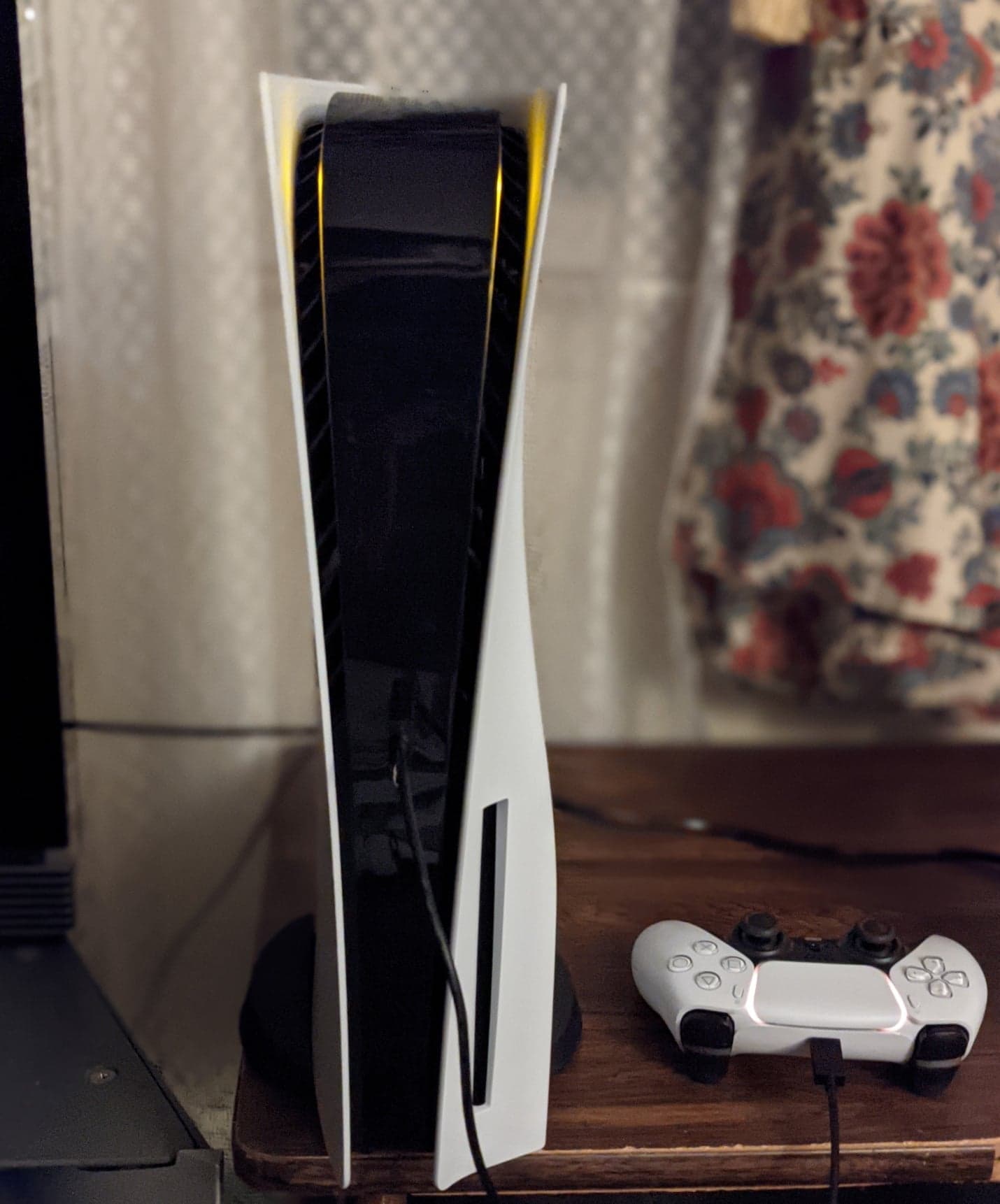
GTA 5 cheat codes on console are not typed into a menu. You either punch a button combination on the controller during active gameplay, or dial the cheat as a phone number on your character's in-game cell phone. Both work identically on PS5, PS4, PS3, Xbox Series X|S, Xbox One and Xbox 360, only the button icons change.
The essentials:
- Cheats must be entered while actually playing, never from a pause menu.
- The phone method is easier to remember: open the in-game phone and dial the cheat's number.
- The button combo method is faster once memorized, but you have to enter it without stopping.
- Using any cheat disables trophies and achievements for the rest of that play session.
- Cheat codes only work in GTA 5 story mode. They do not exist in GTA Online.
Method 1: Dial the Cheat as a Phone Number
This is the simplest way to enter cheats on PS5, PS4, Xbox Series X|S and Xbox One, and it barely requires memorizing anything beyond a phone number.
- During gameplay, press up on the D-pad to bring up your character's cell phone.
- Open the Contacts app, then bring up the keypad (the exact button prompt is shown on screen).
- Dial the number for the cheat you want. Every GTA 5 cheat has a number in the 1-999 range, and the digits spell out the cheat's name on a phone keypad (for example, the health and armor cheat is built around the letters in "TURTLE").
- Press call. If the number is valid, the game applies the effect immediately and a small confirmation message appears on screen.
You can find the exact number for each cheat on its dedicated page - see the health and armor cheat code and the full list of weapon cheat codes for examples.
Method 2: The Classic Button Combination
This is the original way cheats have worked since GTA 5 launched in 2013, and it is still the only option on PS3 and Xbox 360.
- Do not pause the game. Cheats only register during live gameplay.
- Use the D-pad for every directional input (up, down, left, right) and the face buttons/shoulder buttons for the rest of the sequence.
- Enter the full combination in one smooth motion. If you pause too long between inputs, the game resets and you have to start over.
- A cheat confirmation message flashes on screen the moment the code registers correctly.
If nothing happens, you likely broke the timing, mixed up left and right, or you are trying the code inside GTA Online (where none of this works).
Xbox vs PlayStation: What Actually Changes
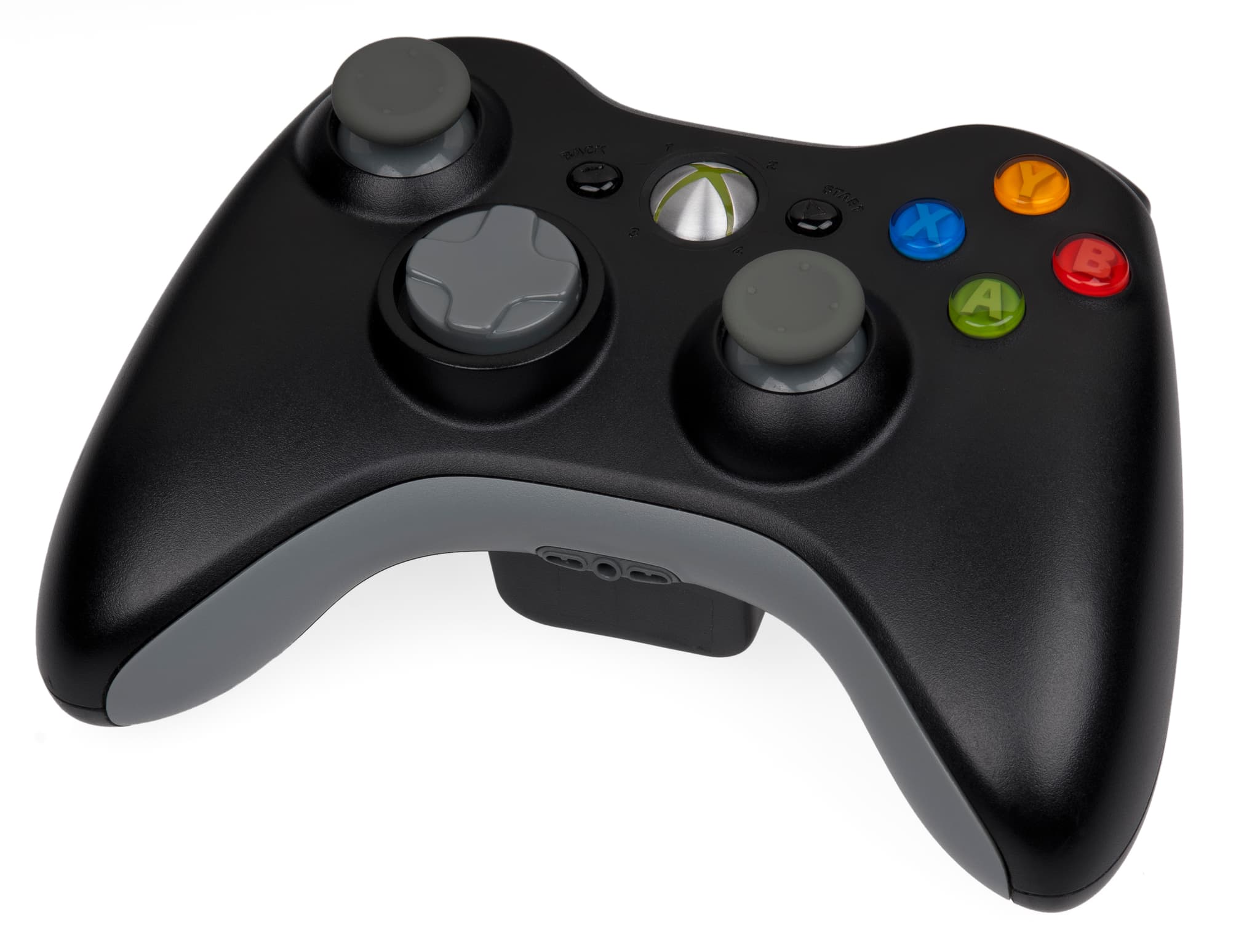
Nothing about the sequence changes between platforms, only the button labels. If a guide gives you a code in PlayStation terms, here is how to translate it:
| PlayStation button | Xbox equivalent |
|---|---|
| Triangle | Y |
| Square | X |
| Cross (X) | A |
| Circle | B |
| L1 / L2 | LB / LT |
| R1 / R2 | RB / RT |
| D-pad | D-pad (identical) |
PS5 and PS4 controllers use the same combination, and so do Xbox Series X|S and Xbox One. Only the very old PS3 and Xbox 360 releases occasionally differ slightly from the remastered PS4/Xbox One version, which is why it is worth checking the platform-specific code before trying it.
What Happens When a Cheat Works (and When It Doesn't)
A working cheat shows a short on-screen prompt and applies its effect instantly - your health bar fills, a vehicle spawns behind you, gravity changes, whatever the code does. Some cheats (like weapons or vehicle spawns) are one-time effects, while others (like slow motion or moon gravity) stay active until you re-enter the same code to toggle them off.
If you enter a combination and nothing happens, check these first:
- You are in story mode, not GTA Online.
- You did not pause the game before or during entry.
- You entered the directional inputs in the exact order, without extra button presses in between.
- You are using the button set for your actual platform, not a code meant for a different one.
Rules Every Player Should Know Before Cheating
- Trophies and achievements turn off. The moment you activate a cheat, the game disables trophy/achievement progress for that session. Reload an auto-save or manual save afterward to get them back.
- Cheats do not carry over saves. You have to re-enter a code every time you want its effect; nothing is permanent.
- No money cheat exists. Despite the rumors, Rockstar never shipped a cash cheat in GTA 5 - see why the money cheat code doesn't exist for the full explanation.
- They still work in 2026. More than a decade after launch, every documented cheat code still functions on current-gen consoles - full details in do GTA 5 cheats still work in 2026.
Popular Cheats to Try First
Once you have the method down, these are the codes most players look up first:
- Every story mode cheat code - the full master list for PS5, PS4, Xbox and PC.
- Health and armor cheat code - instant full restore.
- Weapon cheat codes - the complete arsenal in one press.
Frequently Asked Questions
Do I need an internet connection to use cheats? No. Cheats are entirely local and work offline in story mode.
Can I get banned for using cheats? No, since they only function in single-player. Rockstar's anti-cheat systems target GTA Online, which cheat codes cannot touch.
Does the phone method work on PC? PC players type codes directly with the keyboard (press the tilde key or T, depending on version) instead of using either console method, though a controller plugged into a PC still uses the same button combos as consoles.
GTA 6 cheat codes
The live list for PS5 and Xbox: every GTA 6 code verified and added here from 19 November.
Comments (0)
No comments yet. Be the first!